Aplikasi Akademik


Indonesia
Deliverables
Mobile App
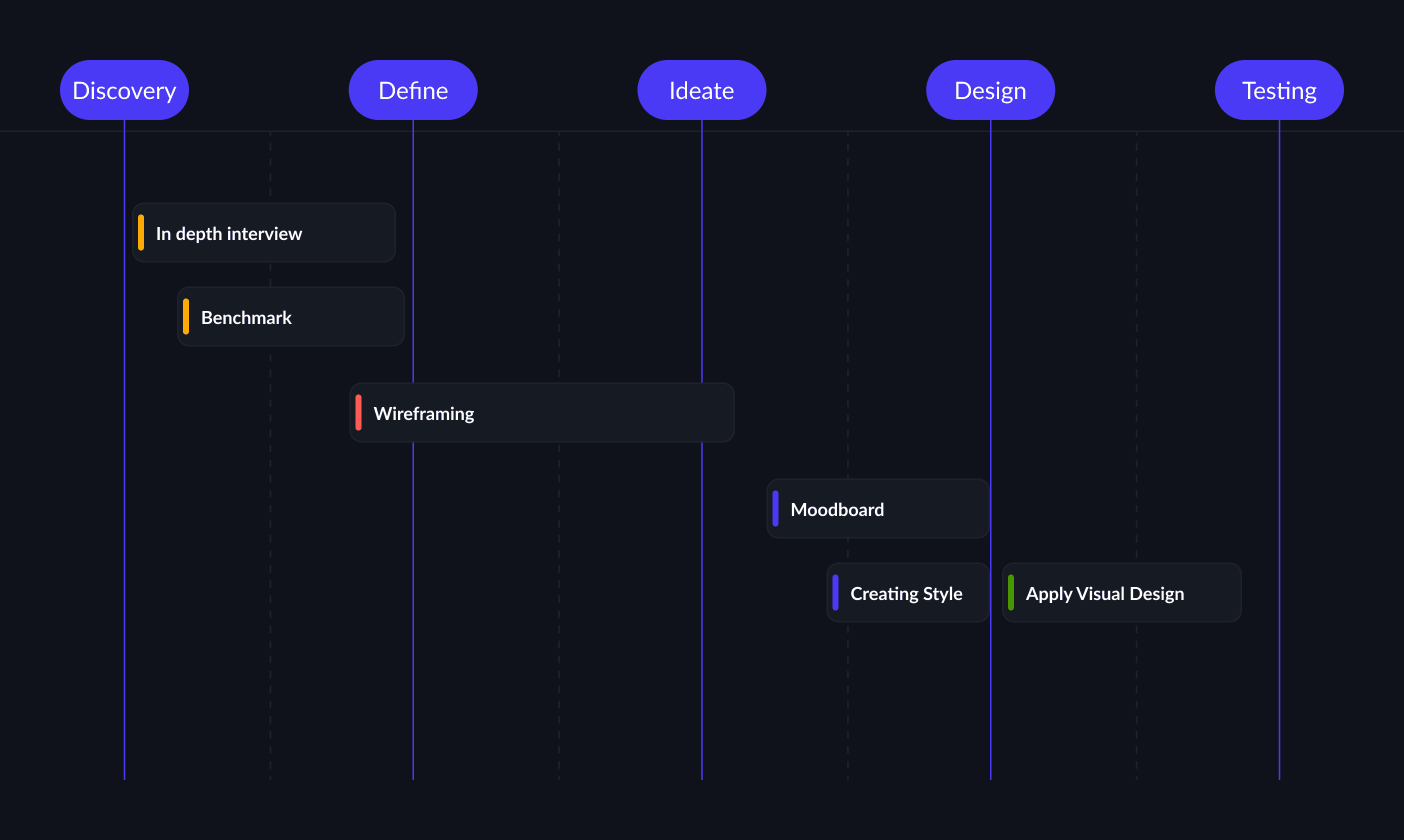
Project timeline
2024
What I do
UI/UX Design
Objective
The goal is simple: to make the interface look modern, be able to record attendance, display information for users, and make payments.
The Challenge
User Experience Challanges:
Navigational Complexity: Complicating navigation. What should have been intuitive became a maze, slowing down workflows and hindering efficiency.
Lack of Responsiveness: It should not make users think because too much information is absorbed on the application's home page, which will limit users in an era that prioritizes flexibility.
User Age: This application will be used by everyone from children to adults, and it is hoped that this application will be suitable or easy to use for users aged 7 years and above.
The Solutions
Create an application whose user interface follows current developments, and is designed based on user-centered design.



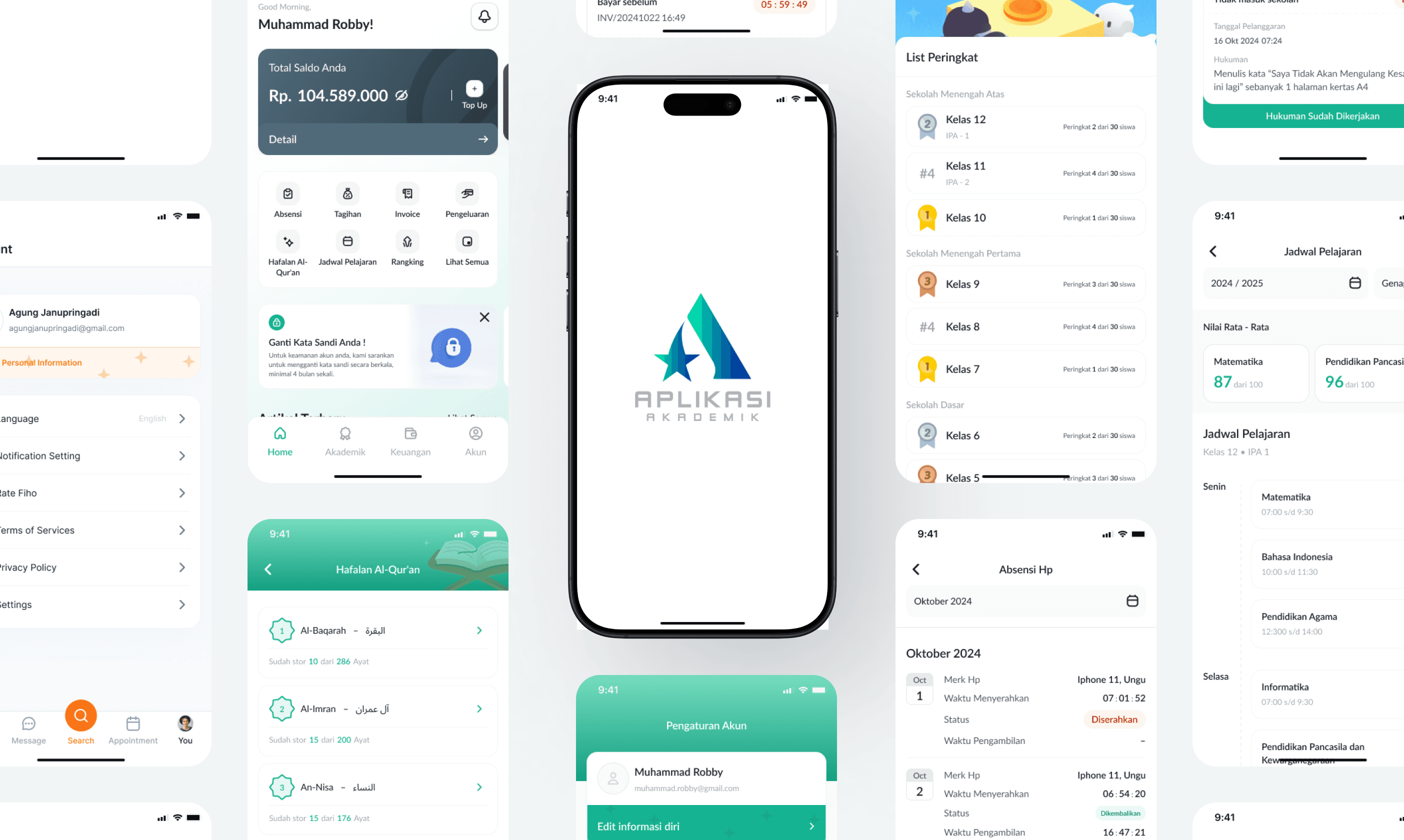
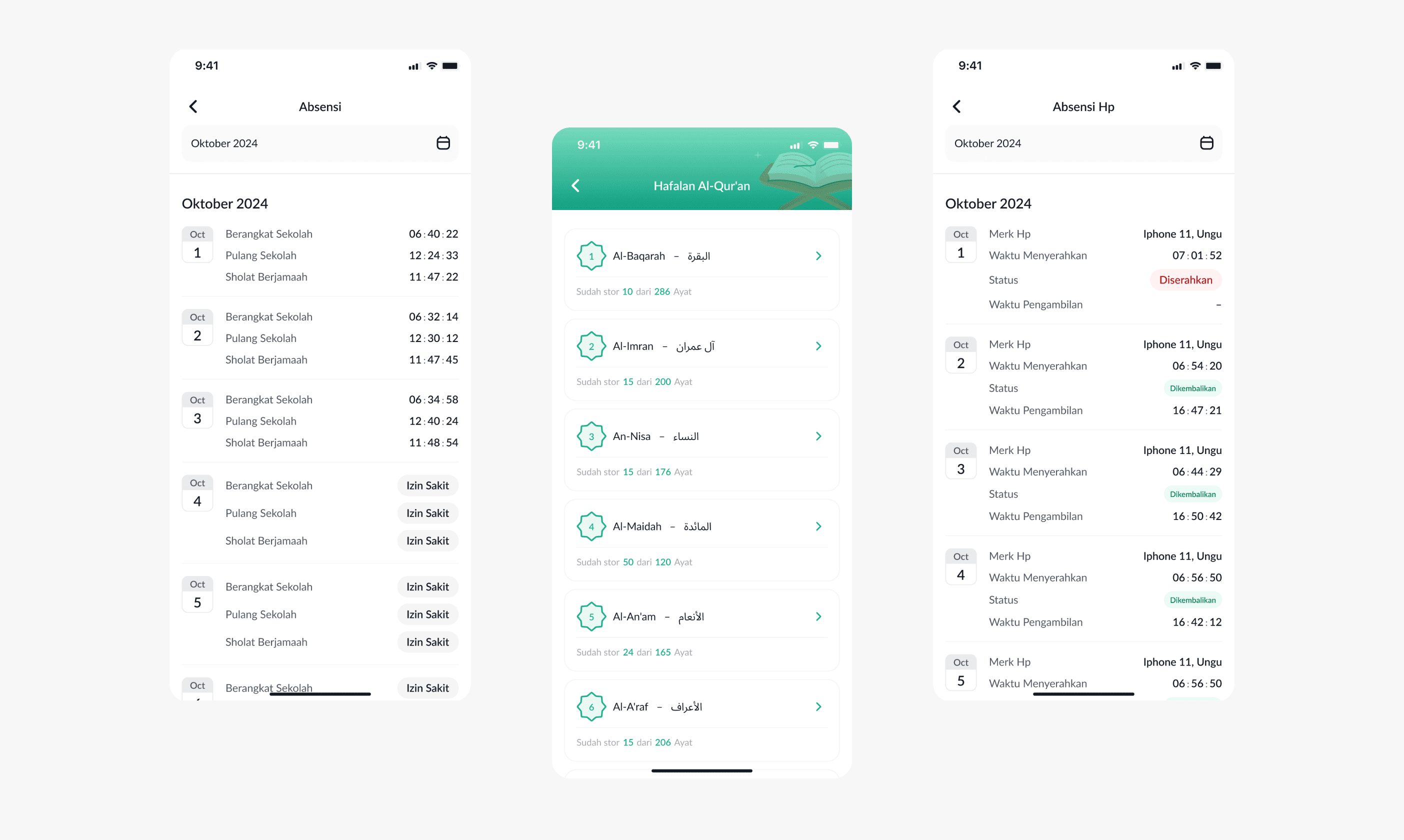
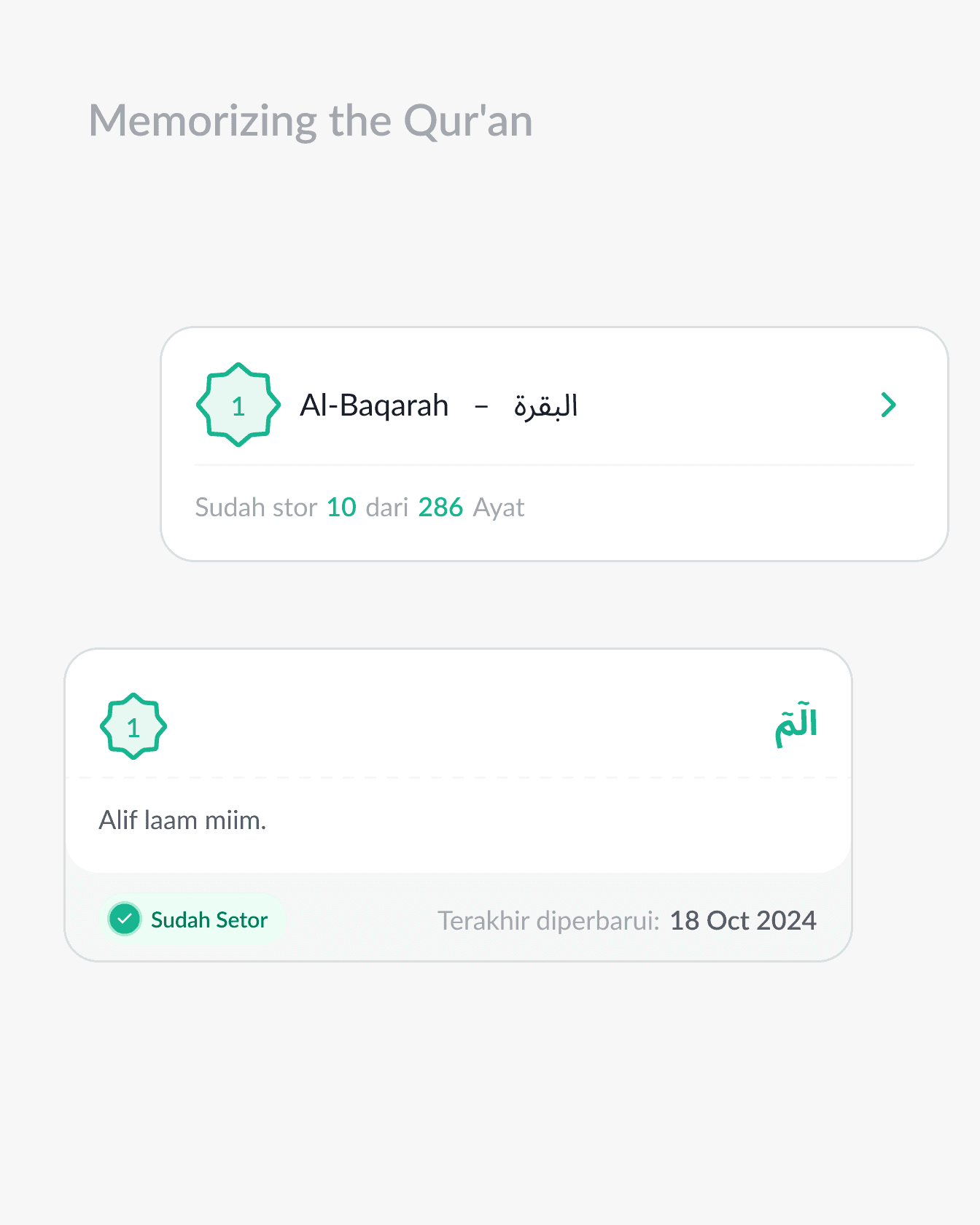
Recorded and detailed student absence data, easy bill payments, and accurate recording of Al-Quran memorization, parents can now monitor their children only through a smooth and barrier-free mobile application.
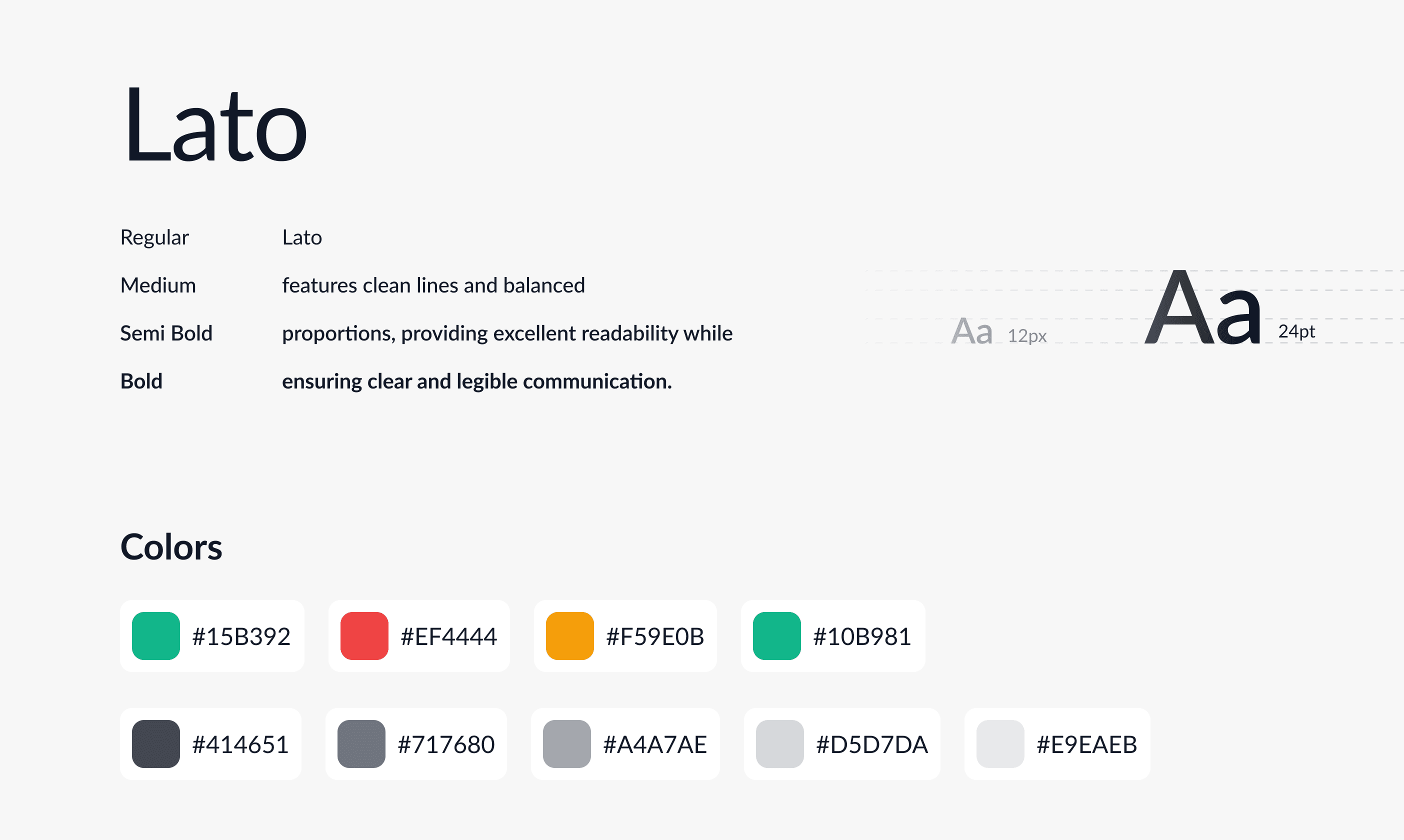

A stunning showcase of modern, simple, and clean design that prioritizes user-friendliness. Experience the effortless efficiency of absent management through carefully crafted interfaces, intuitive navigation, and a fresh, inviting user experience.
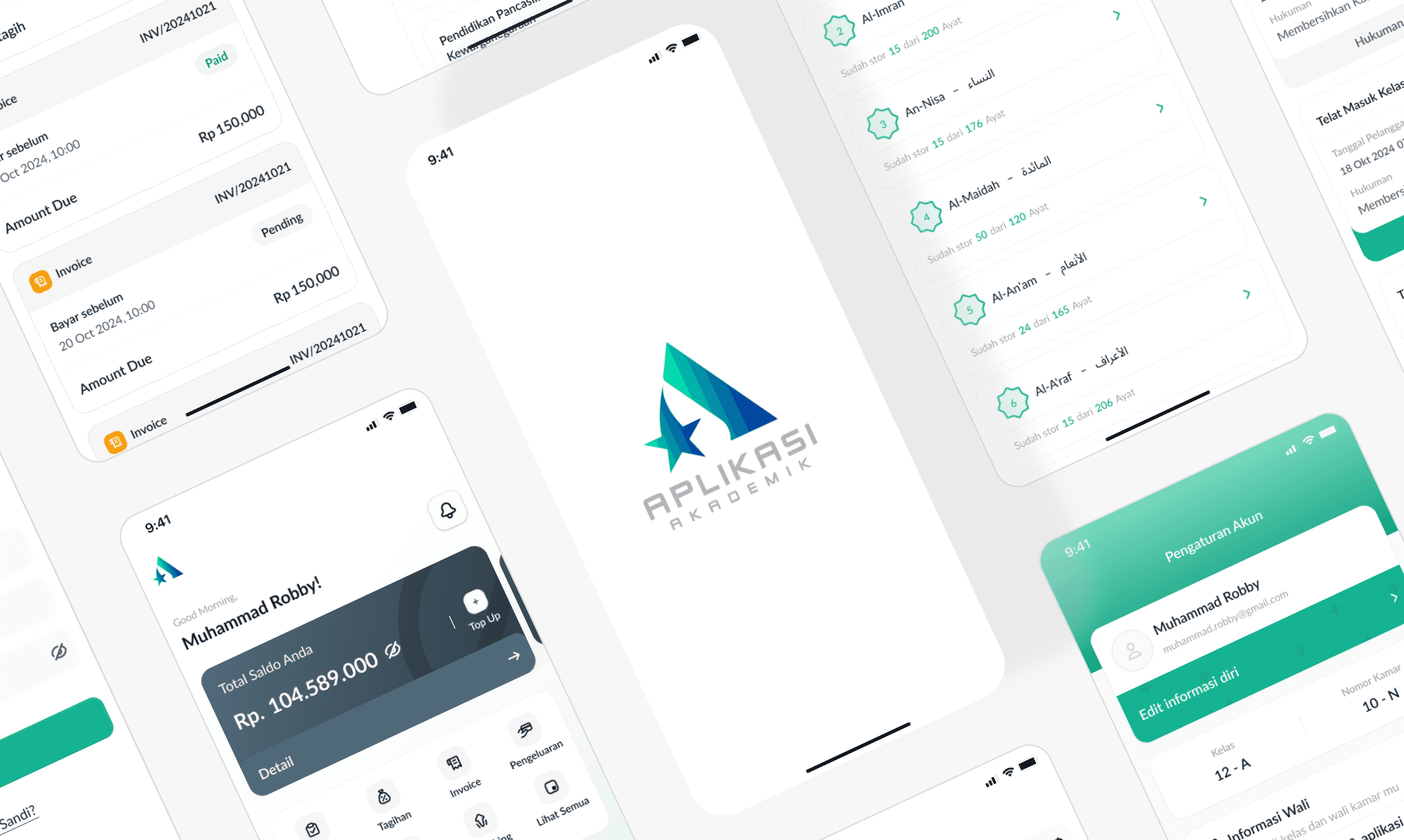
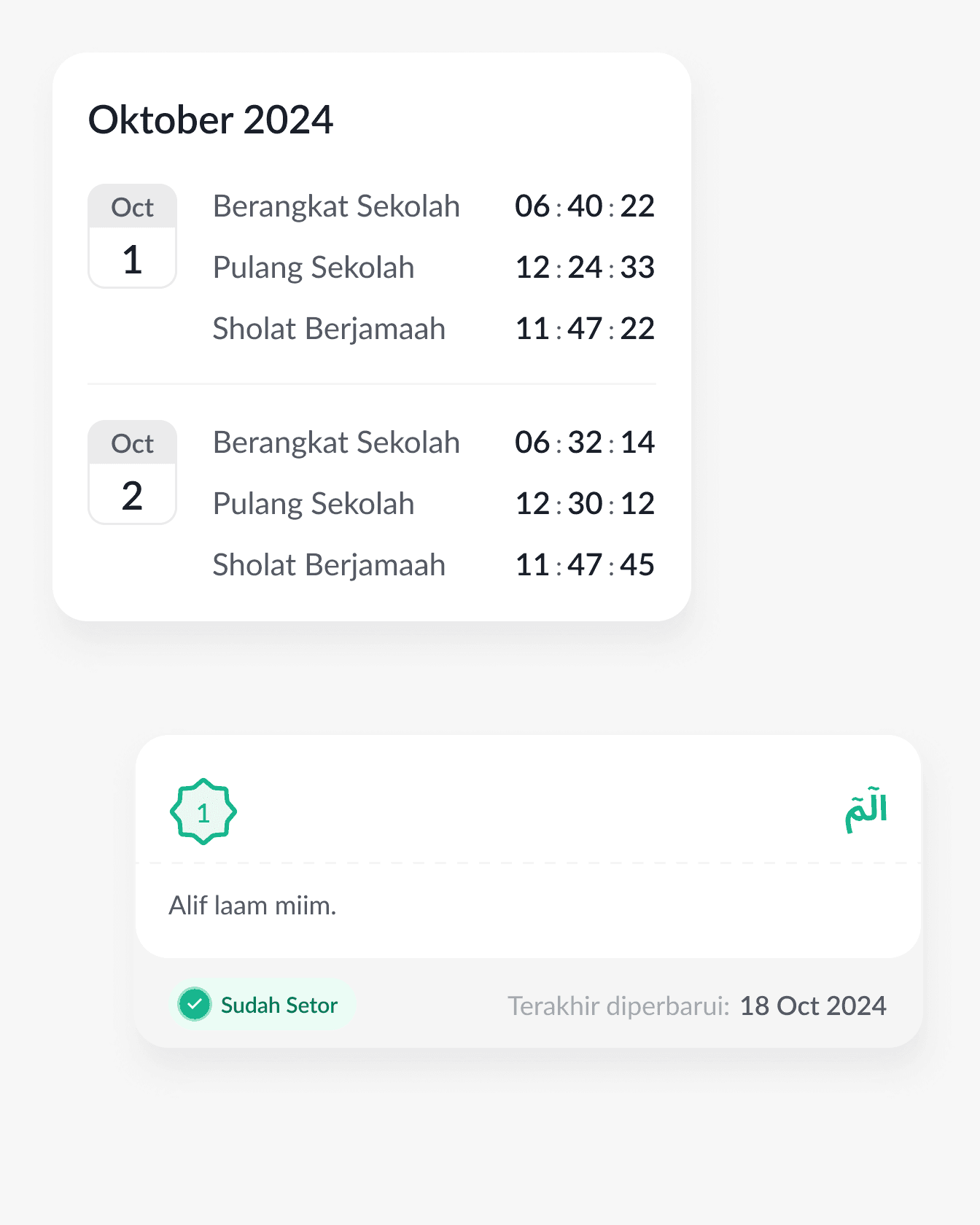
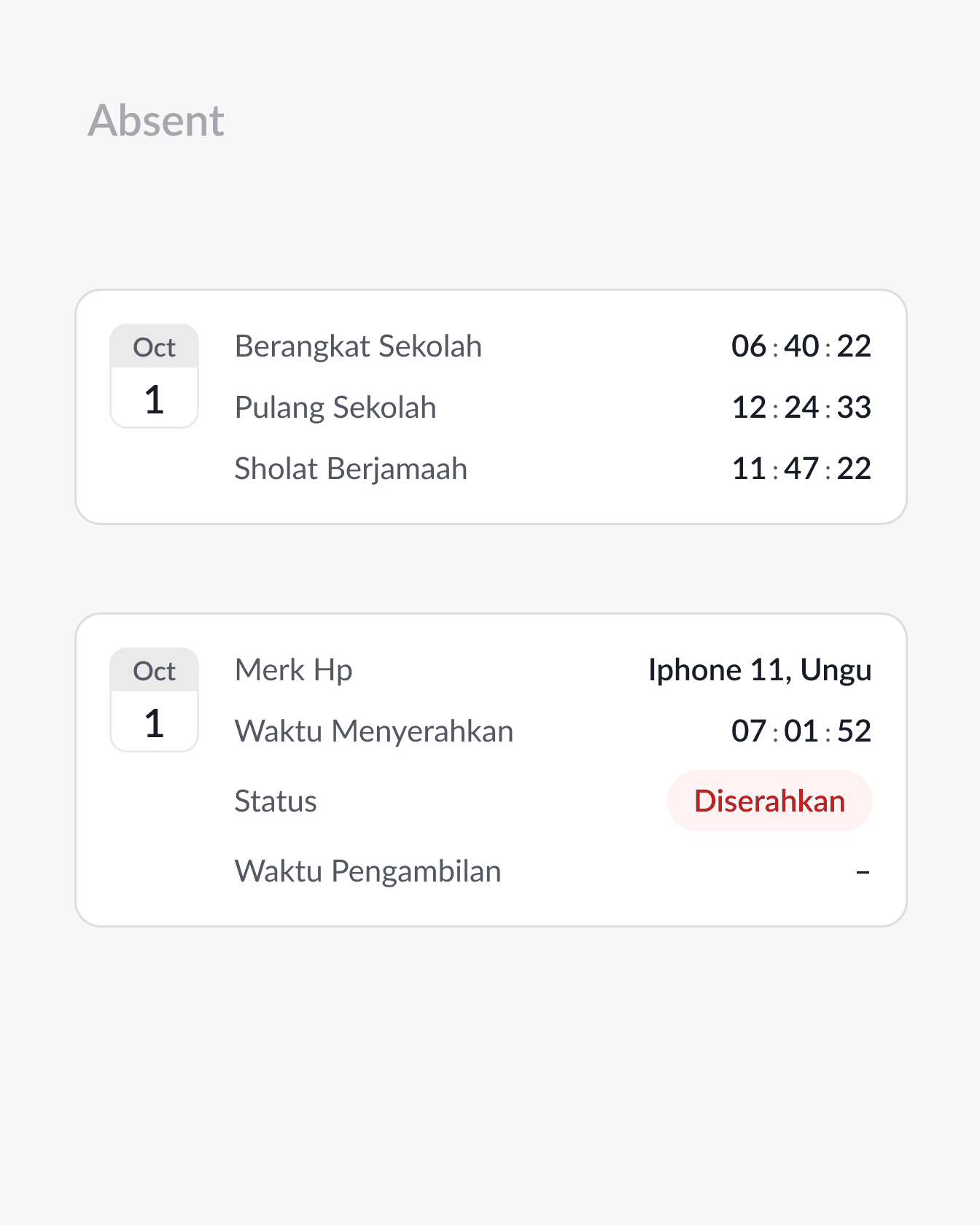
Viewing student attendance data becomes faster and easier, and can reduce student cheating in attendance.
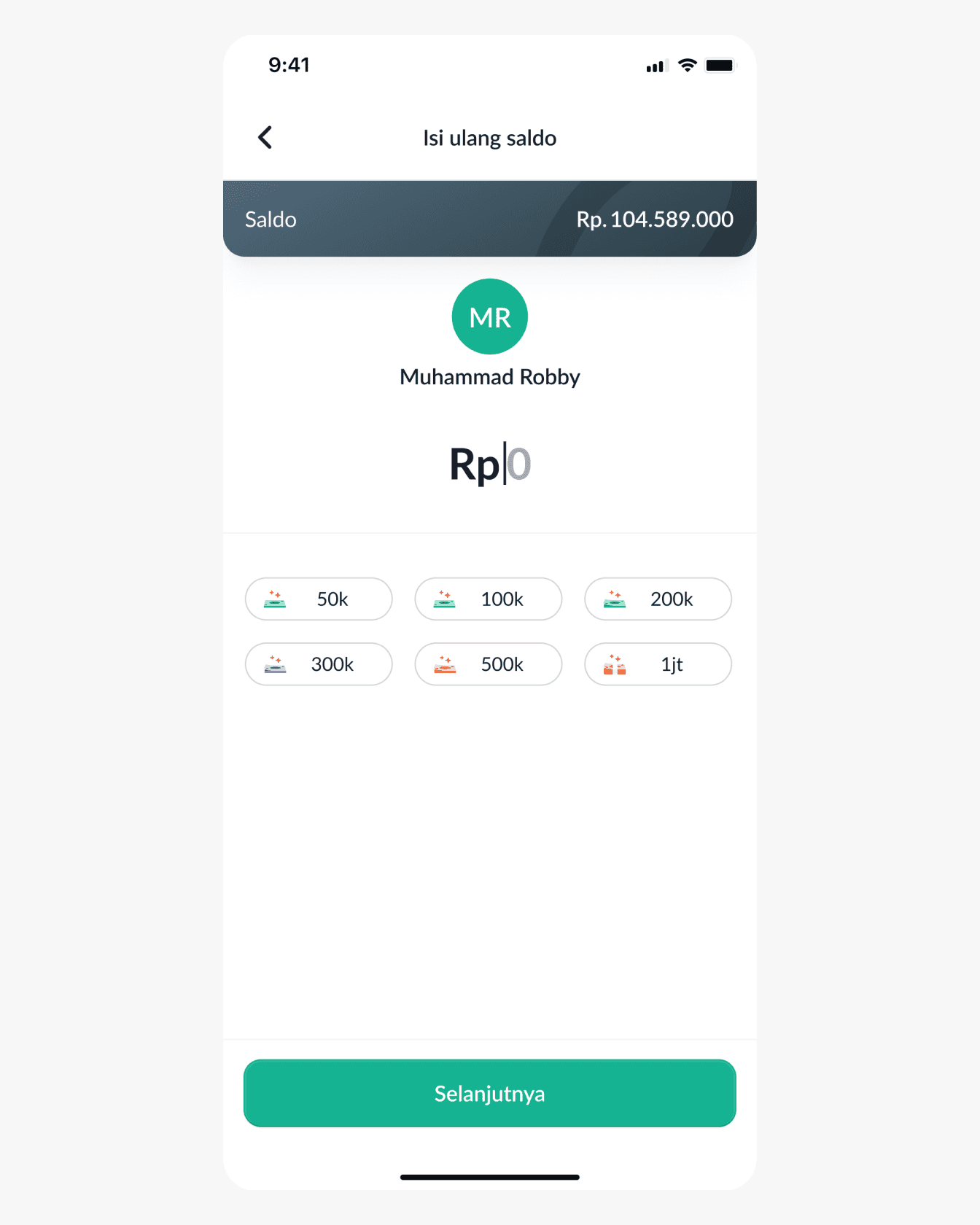
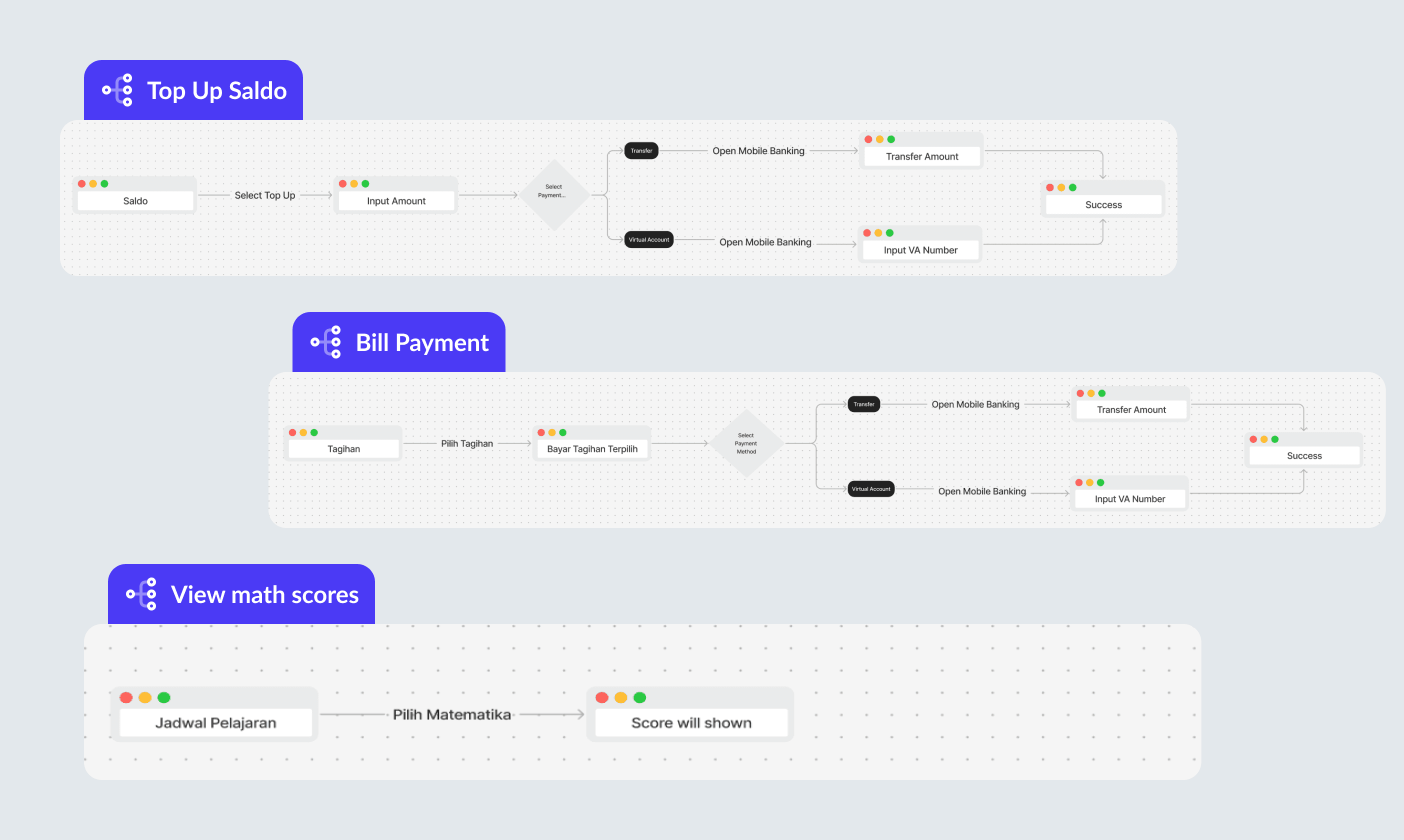
Step 1 – Enter the amount you want to top up.
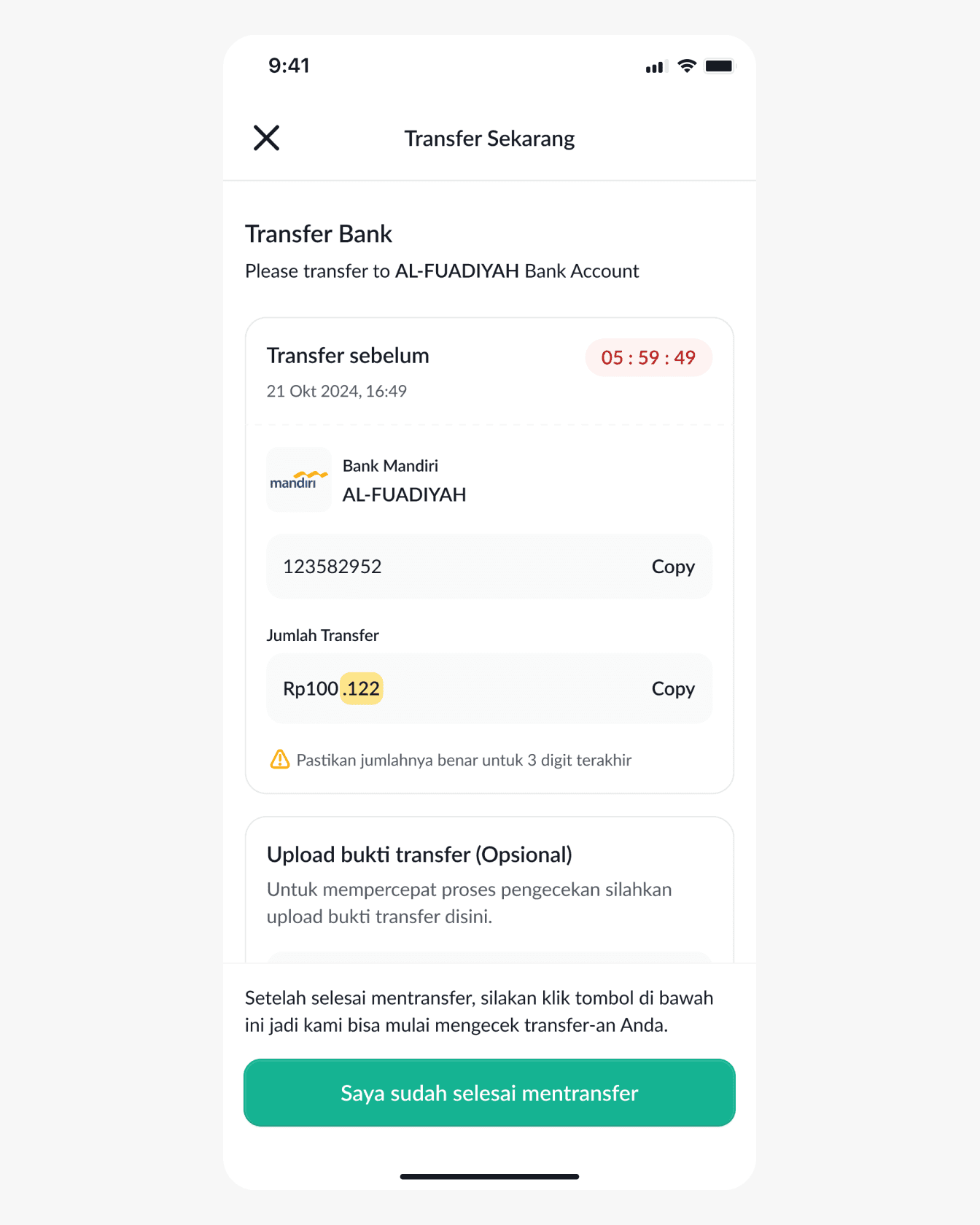
Step 2 – Transfer money to the selected payment method
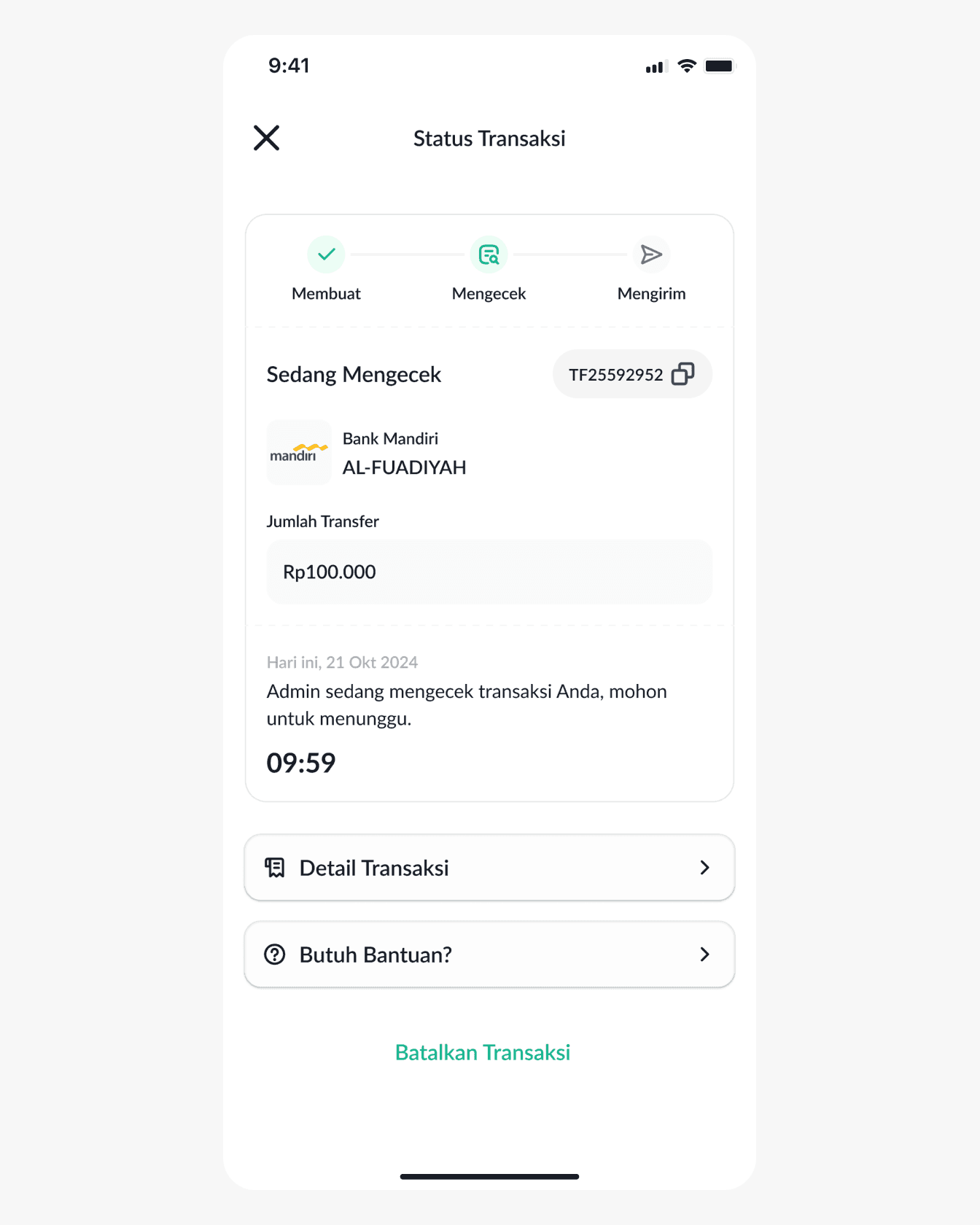
Step 3 – Waiting for confirmation from admin.
With just one click, you can top up your balance to shop at the school canteen, there is no need to carry cash to buy items at the canteen.
Students can view the lesson schedule that has been recorded for 1 week.
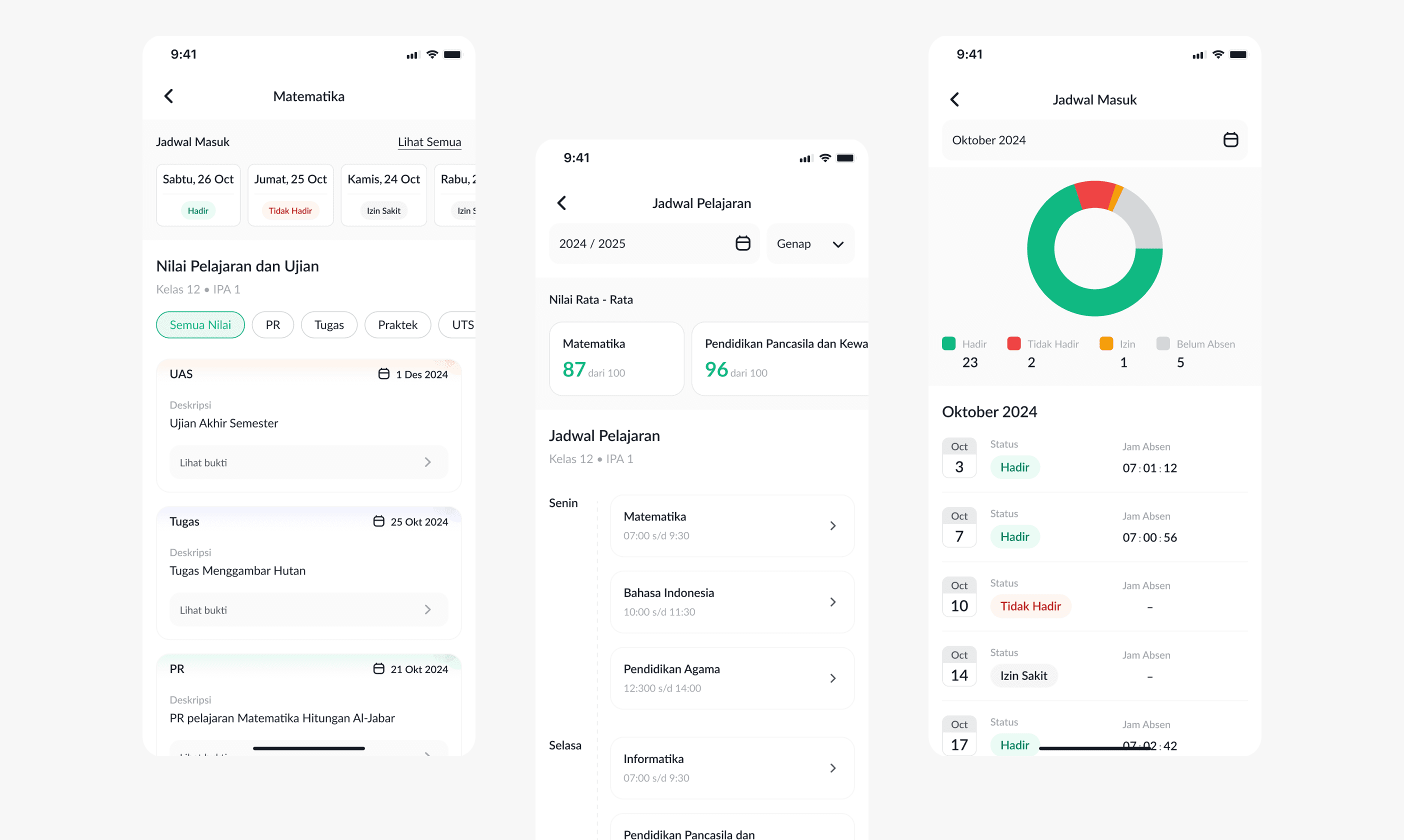
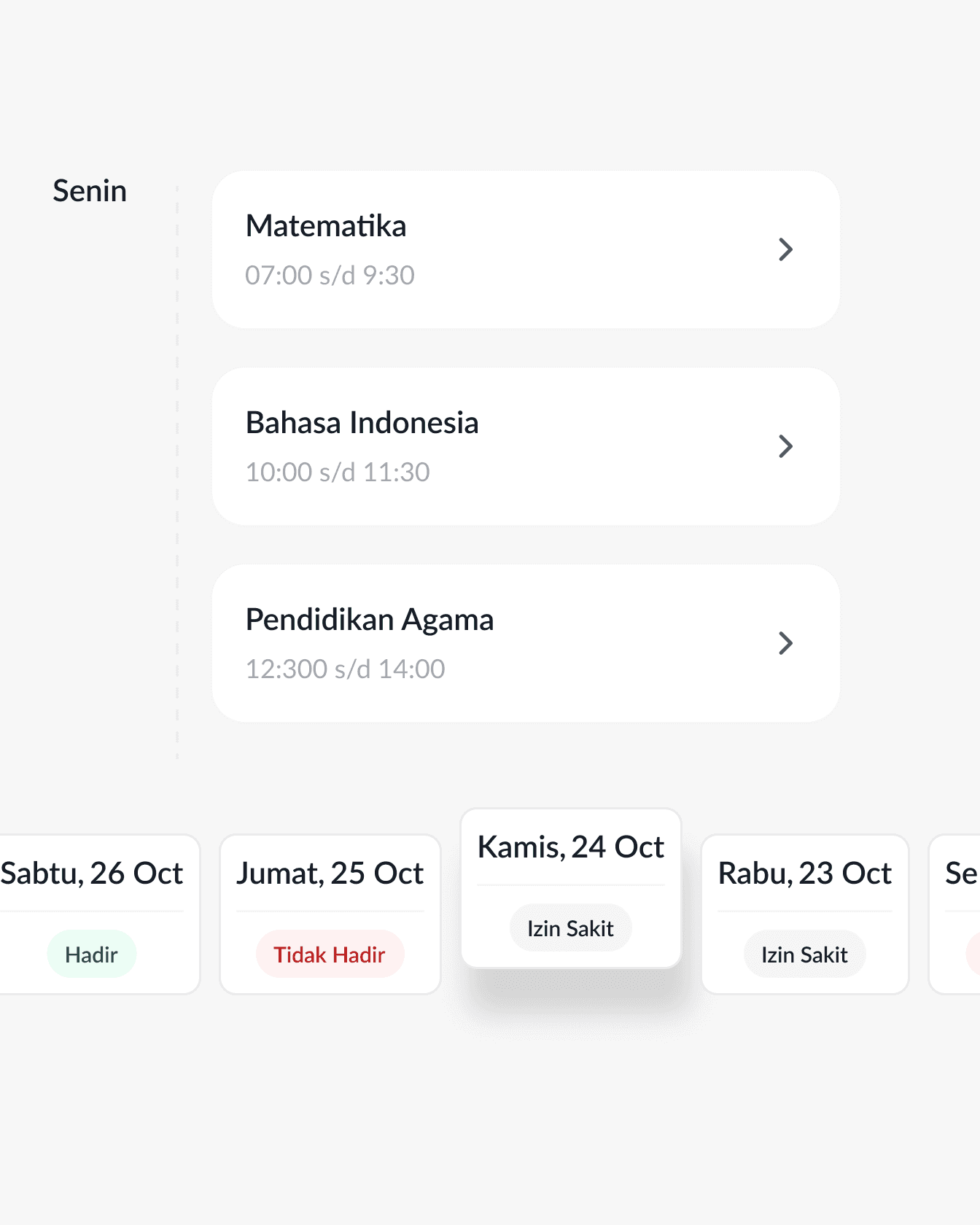
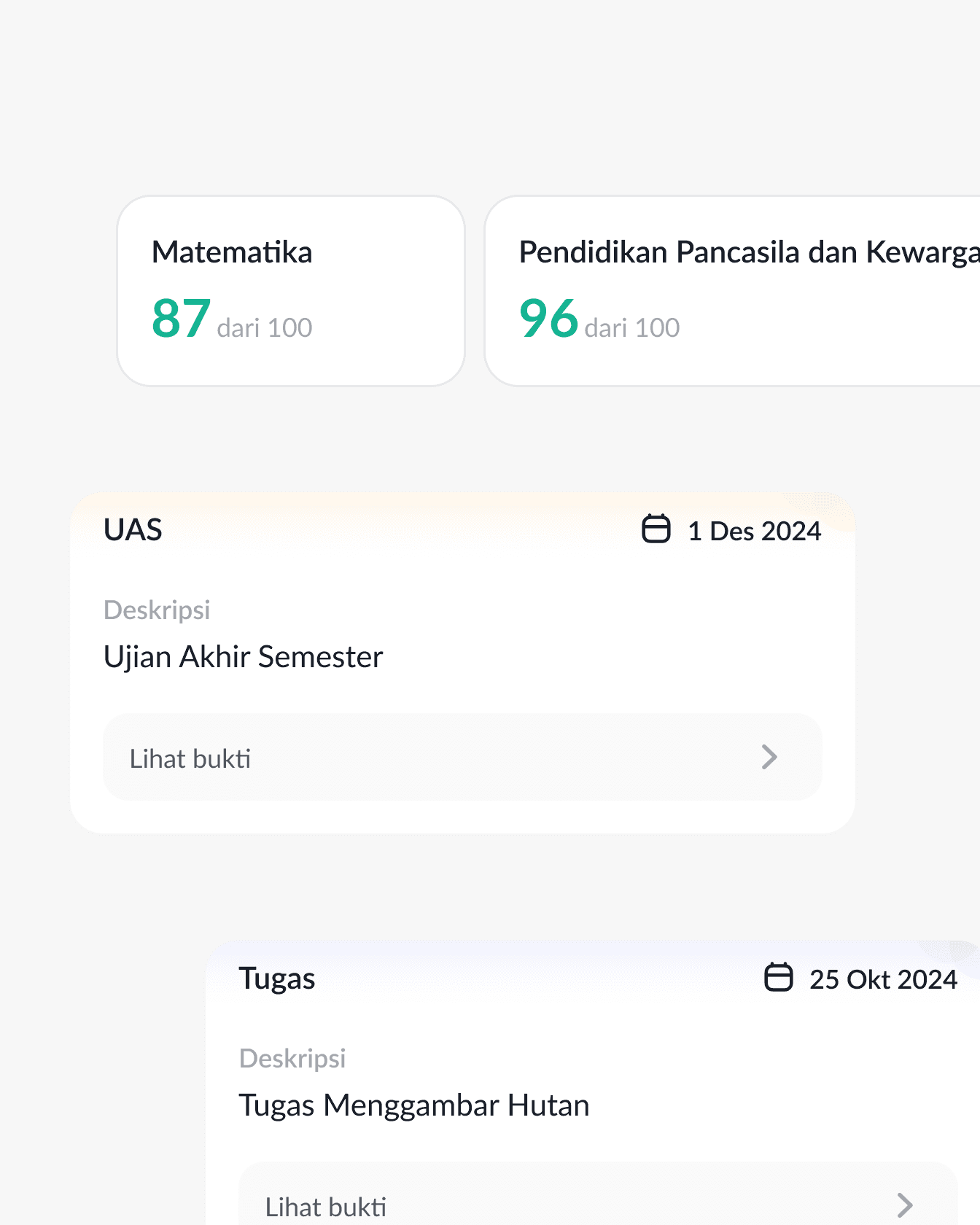
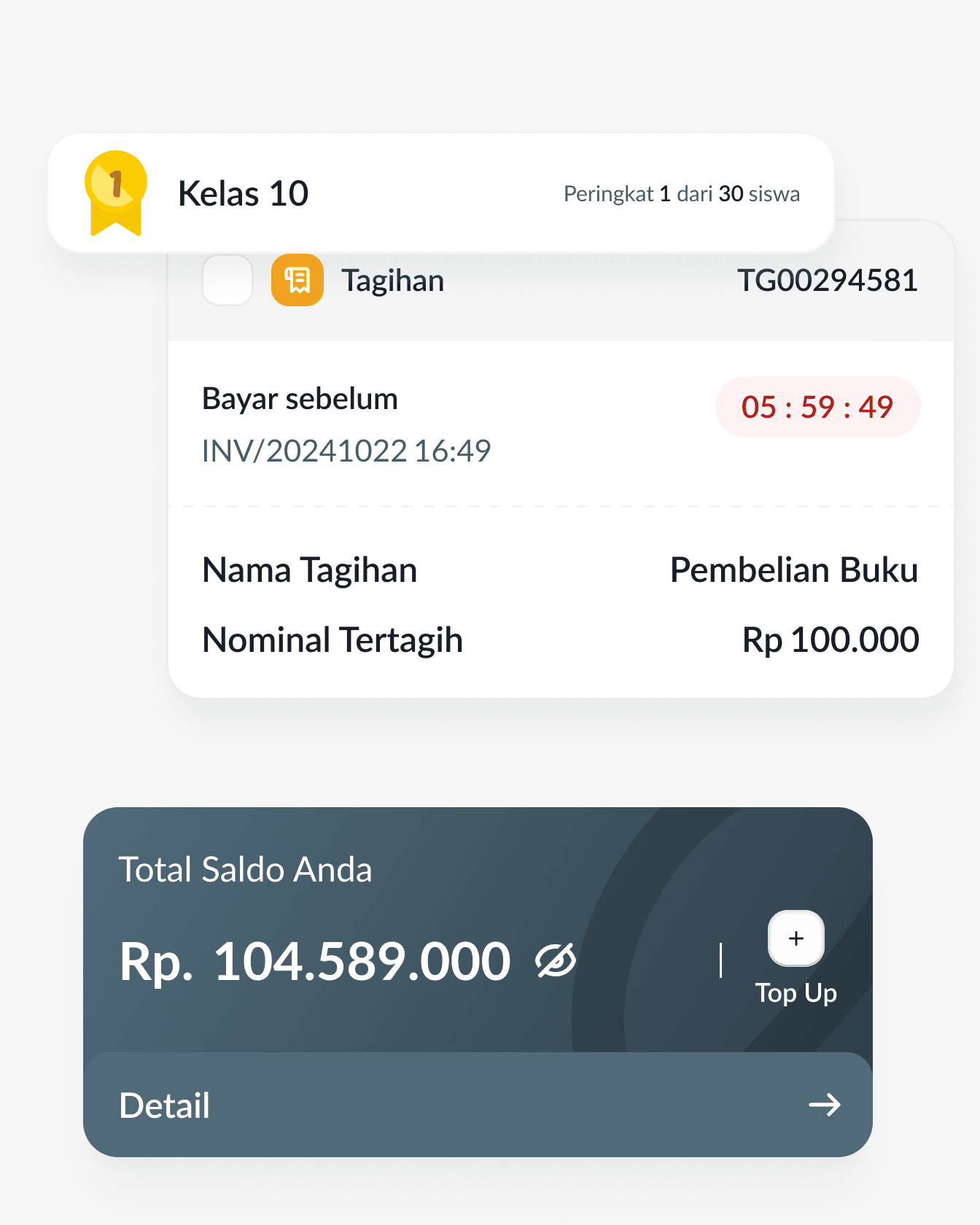
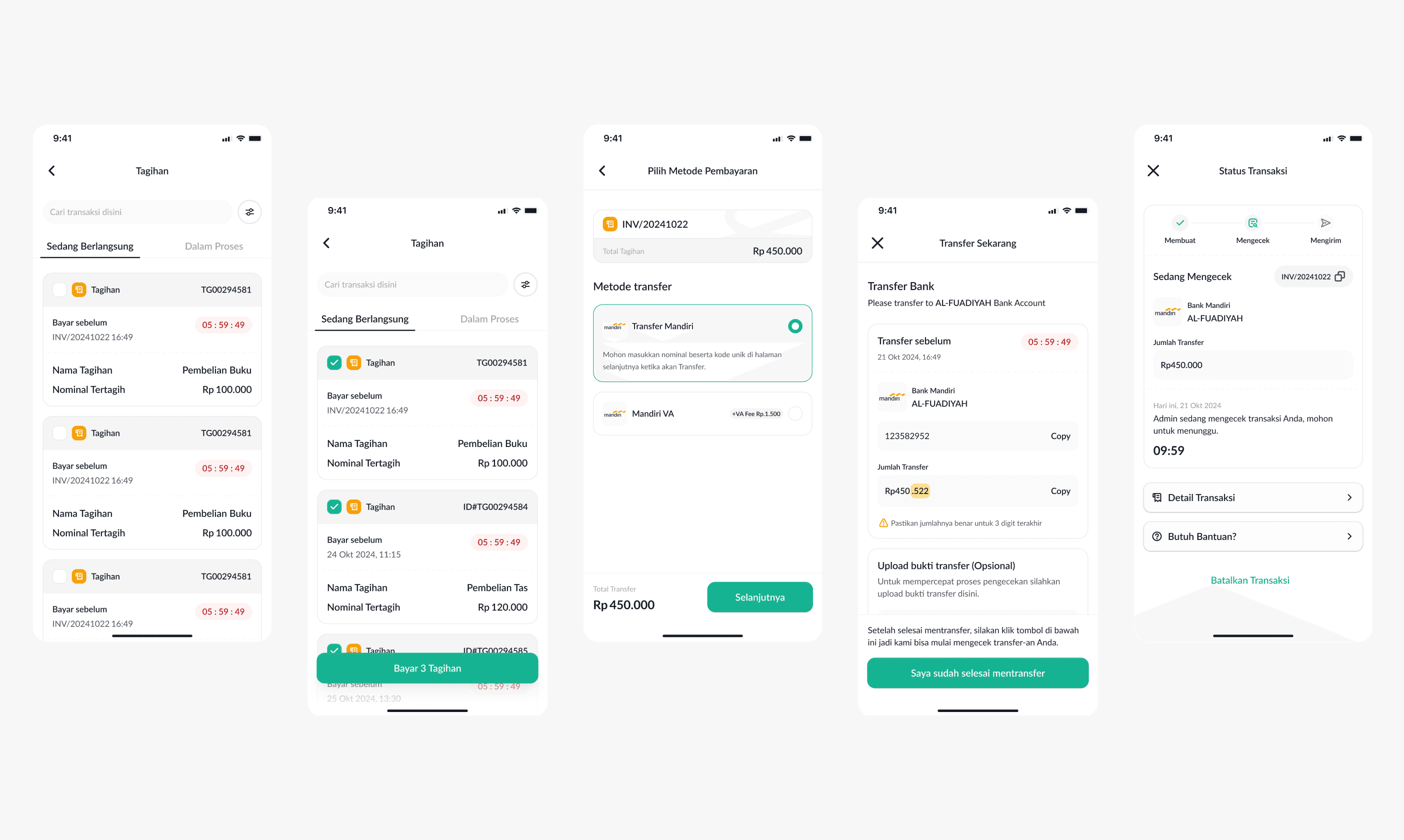
With the Aplikasi Akademik Mobile App, users can pay invoice anywhere and anytime.
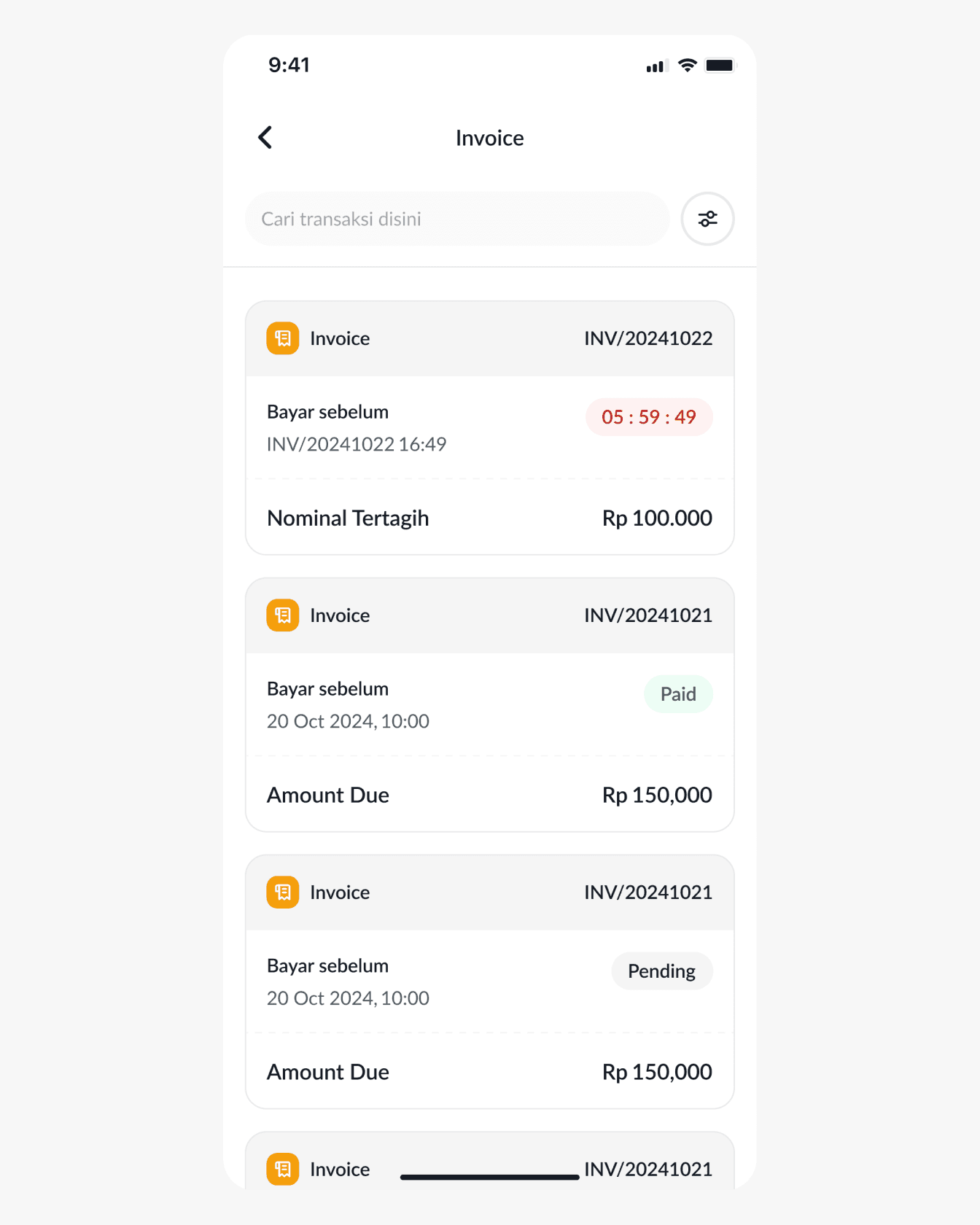
Step 1 – Select the invoice you want to pay.
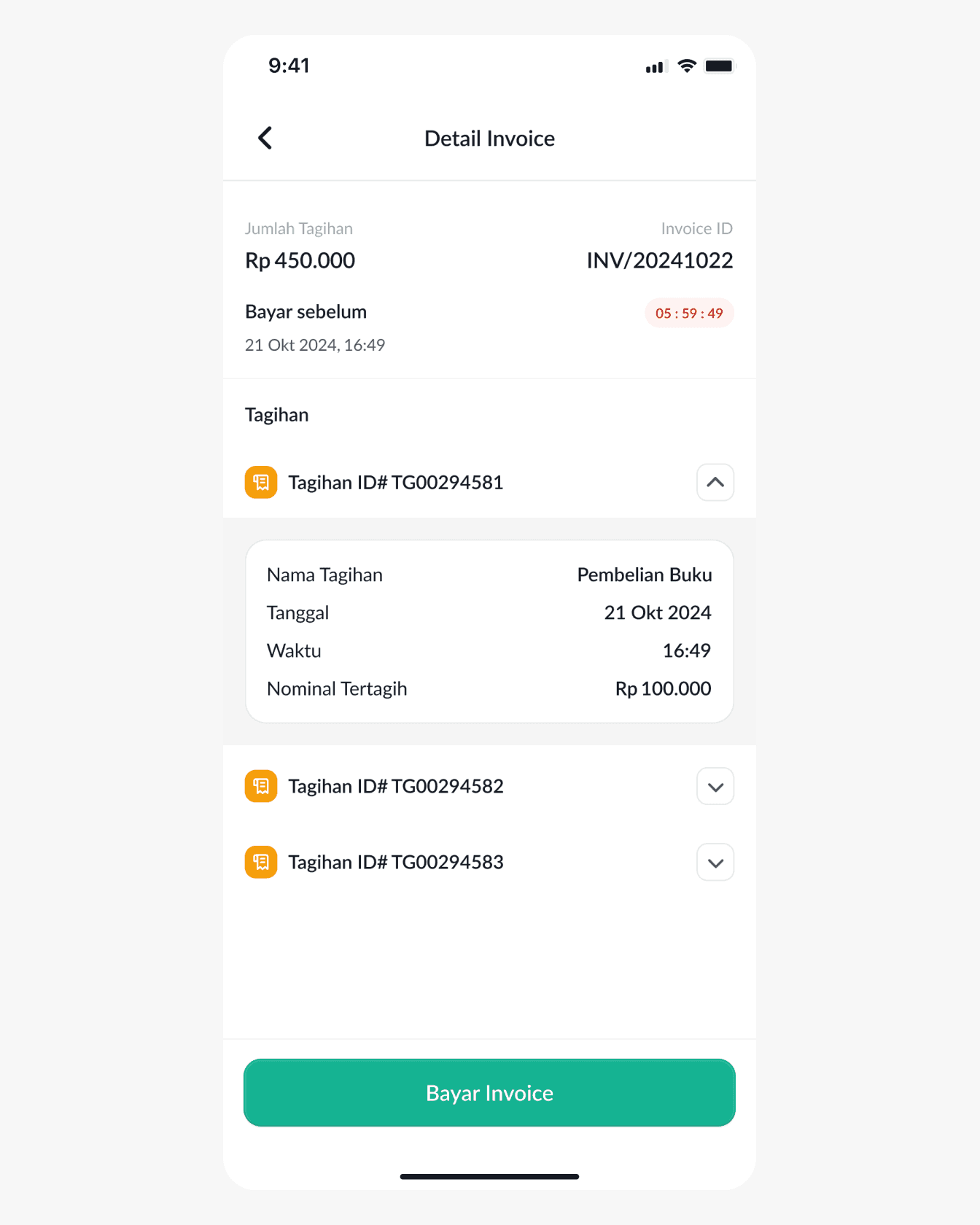
Step 2 – If the invoice has not been paid, click the pay invoice button.
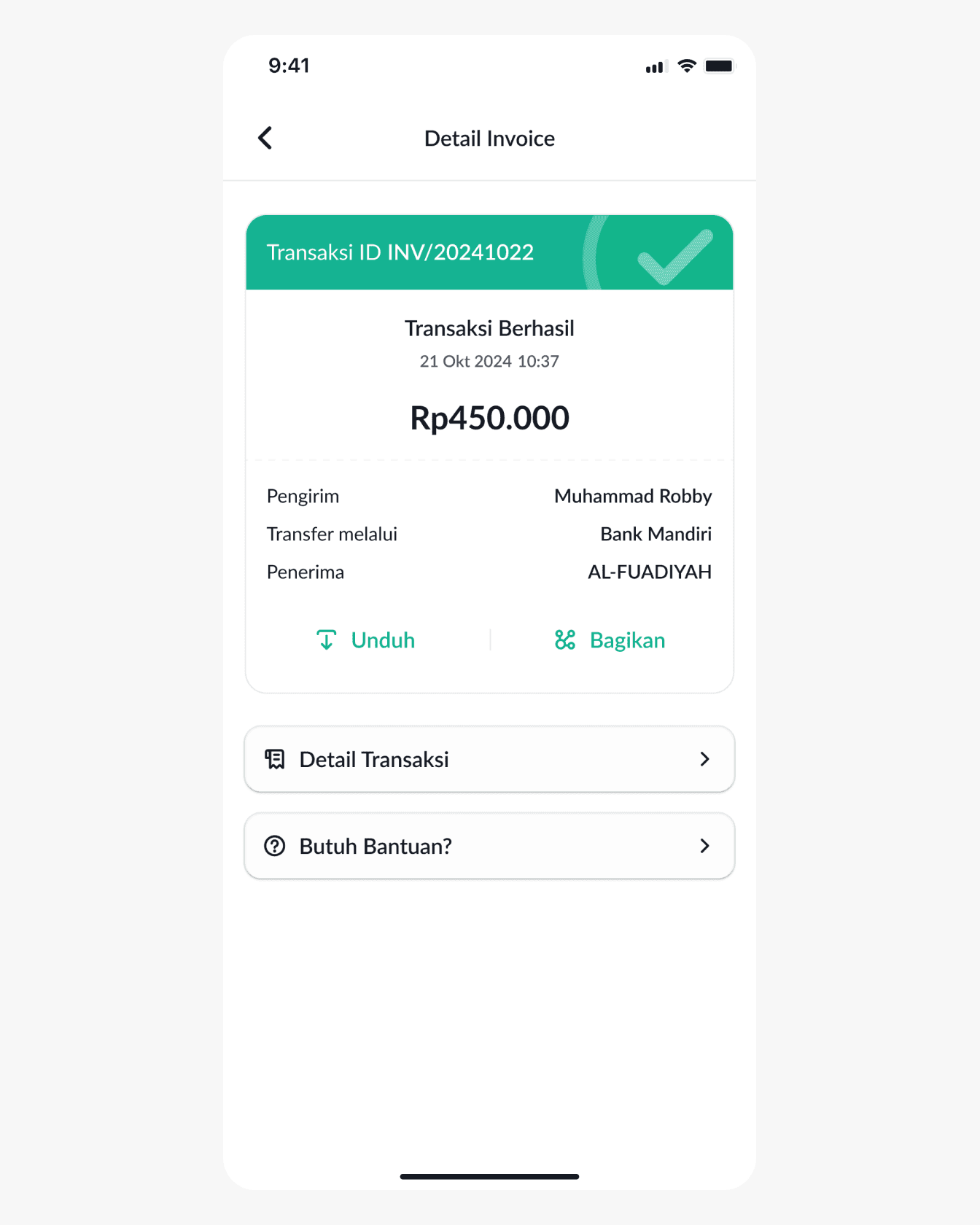
Step 3 – Your payment successful.
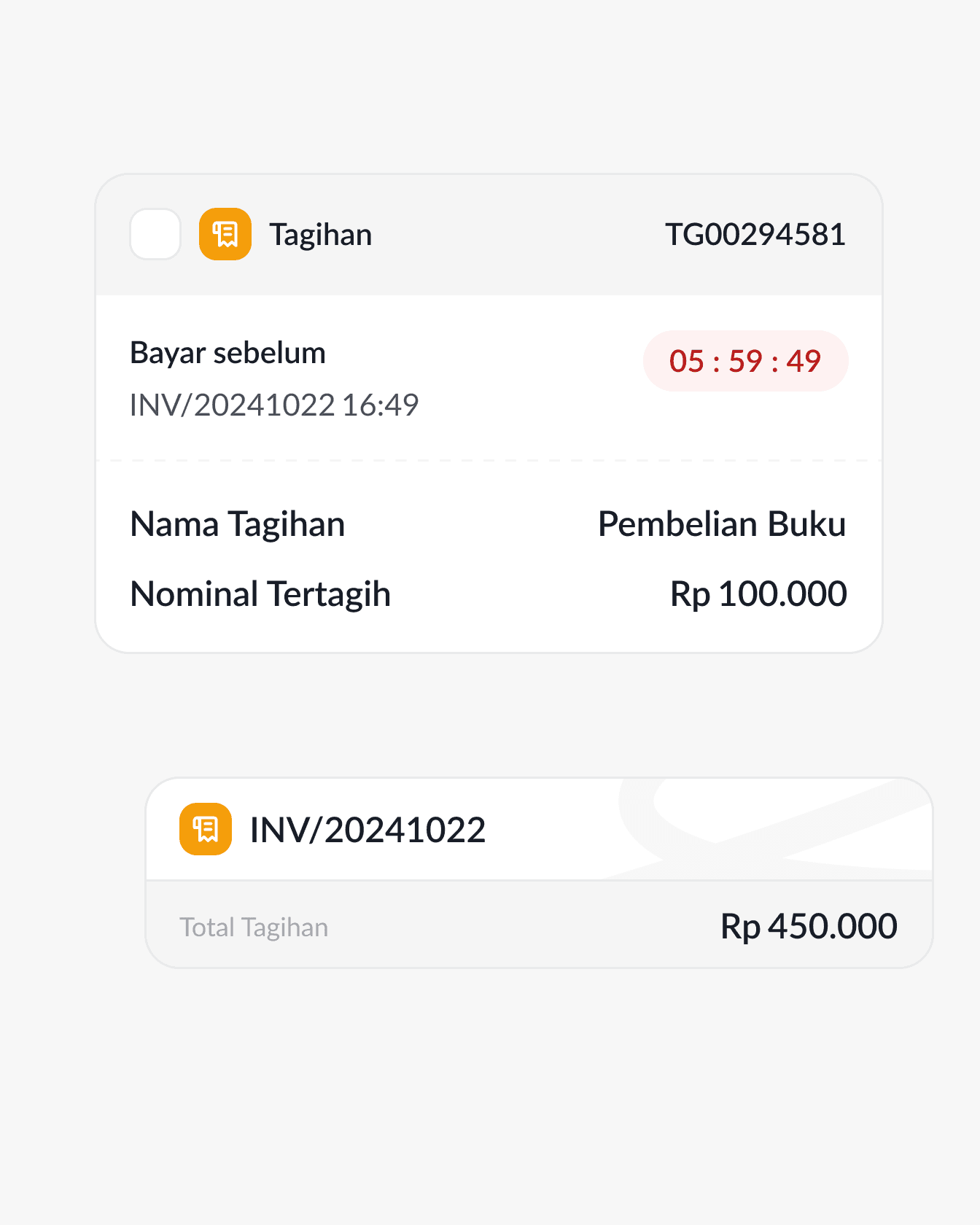
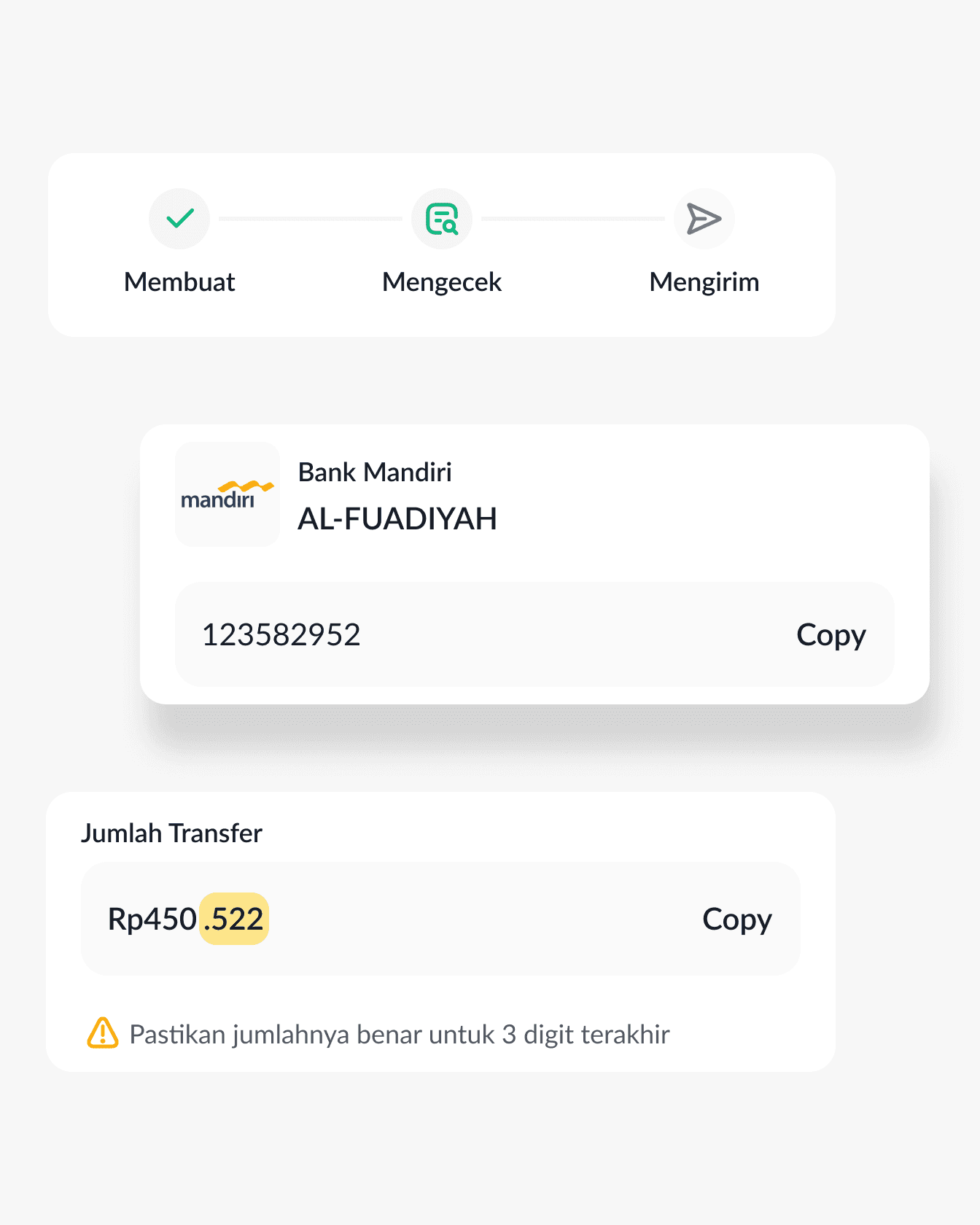
With the Aplikasi Akademik Mobile App, users can pay bills anywhere and anytime.
The Results
We've created a useful mobile application for parents that connects their children's activities at school, with a unique and fresh visual design, and we ensure the navigation system of this application is smooth and efficient so that the user experience is free from obstacles.