CloudPOS




Objective
To create a comprehensive, modern, and customizable POS UI Kit tailored for the restaurant industry. The goal is to help designers and developers build restaurant point-of-sale systems faster and more efficiently — without starting from scratch.
The Challenge
Many restaurant POS systems suffer from cluttered, inconsistent, and confusing interfaces. On top of that, each restaurant has unique needs — from order management and kitchen display to analytics and table reservations. The challenge was to design a UI that is user-friendly, scalable, and flexible enough to adapt to different business models.
The Solutions
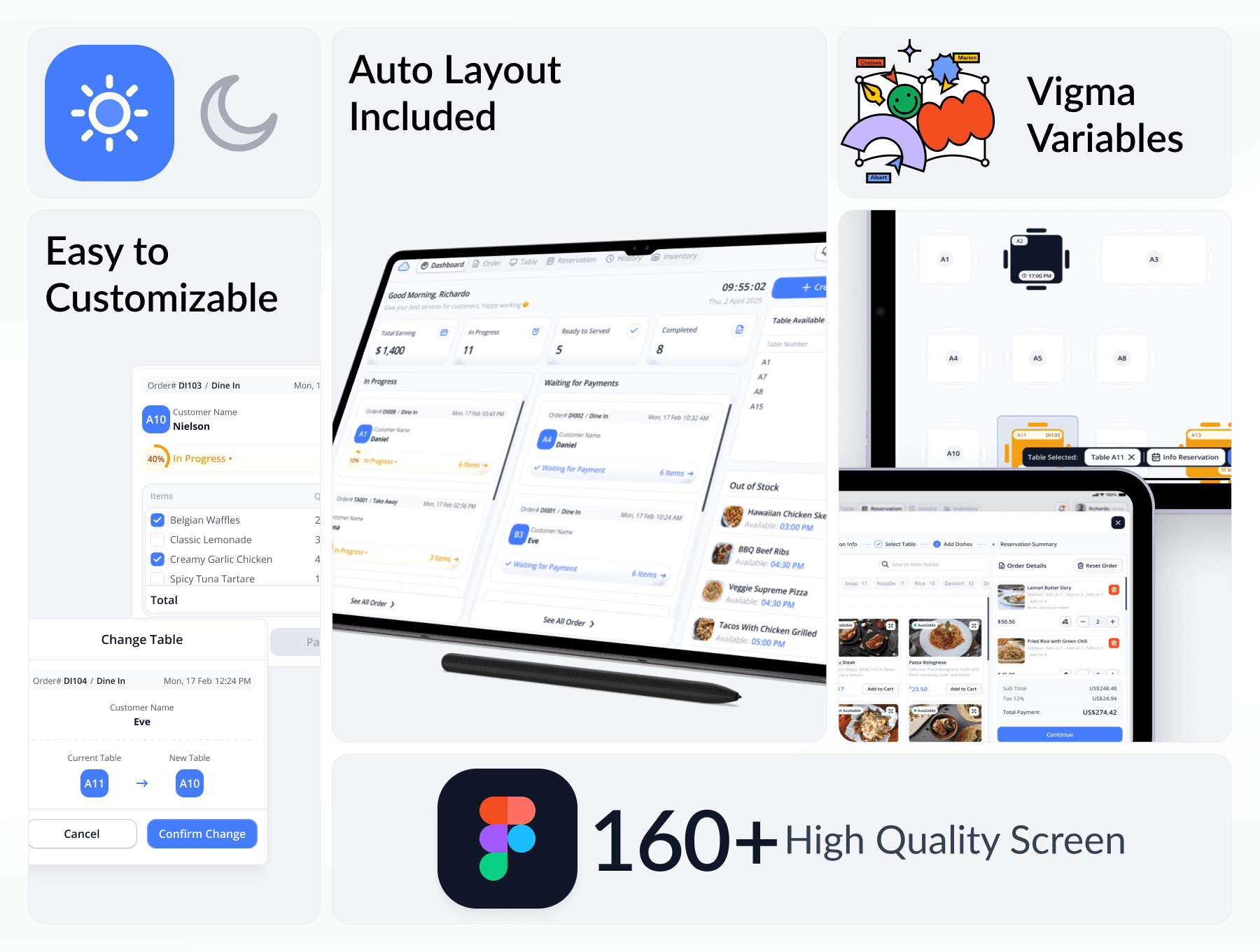
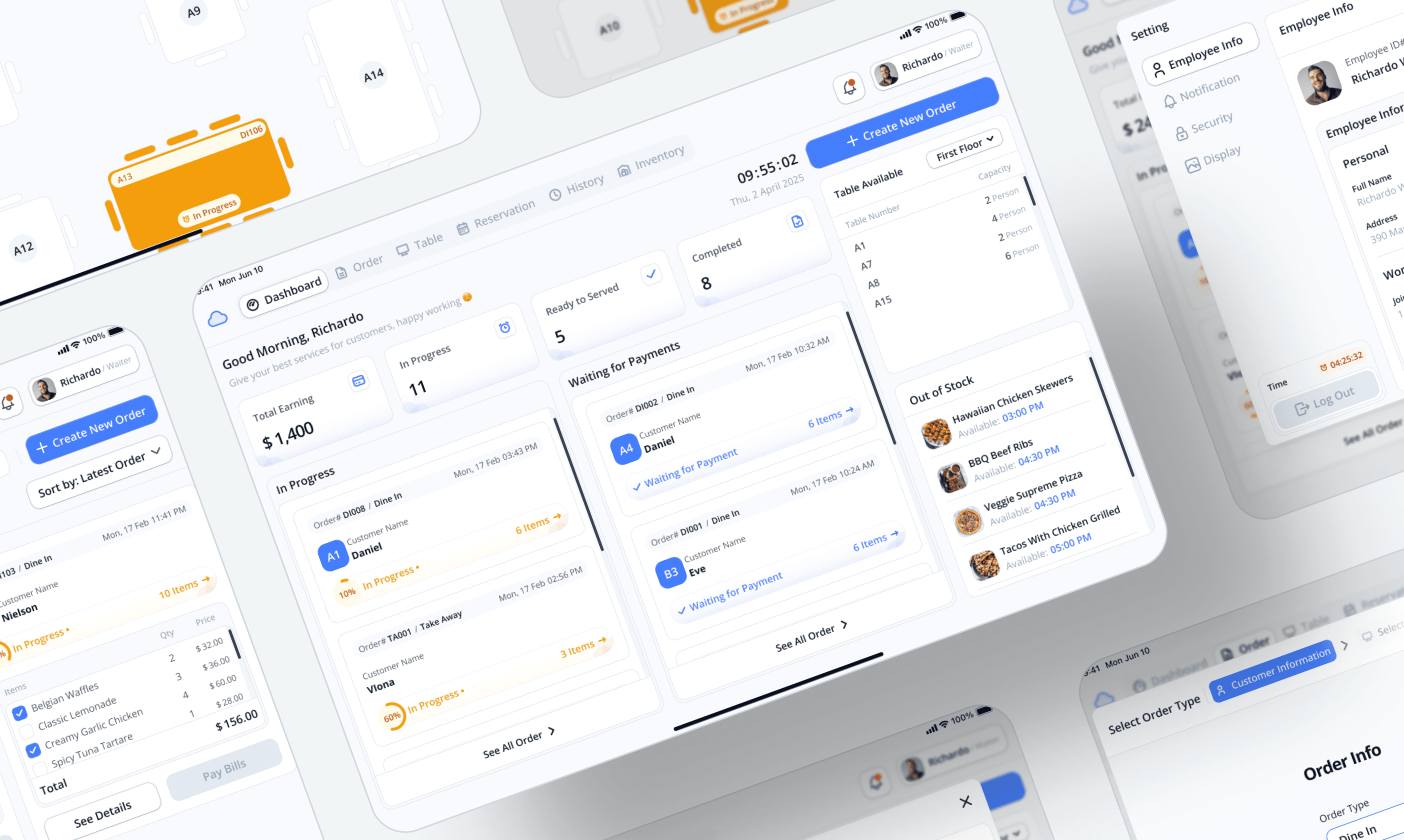
CloudPos is a complete solution in the form of a Figma-based UI Kit, offering 80+ ready-to-use screens. With a clean visual design, well-organized components, light and dark mode support, and Auto Layout, CloudPos makes it easy for anyone to create a professional, efficient, and fully customizable POS interface — suitable for small cafés to large restaurants.


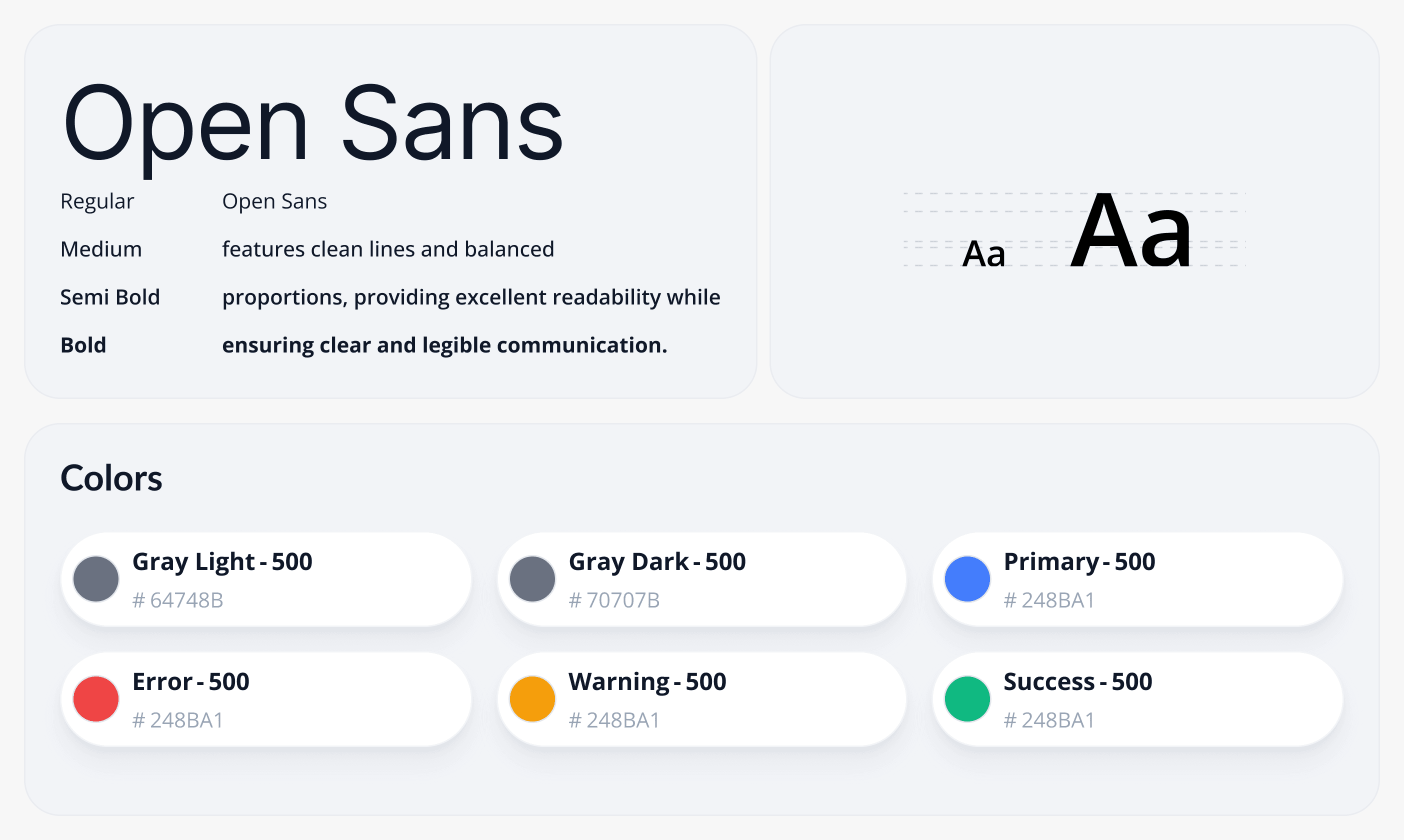
The Style Guide for the Cloud POS UI Kit establishes the visual foundation of the system, ensuring consistency, clarity, and professionalism across all screens and components. It includes a well-defined color palette, typography styles, iconography, grid systems, and spacing rules — all optimized for usability in retail and point-of-sale environments.

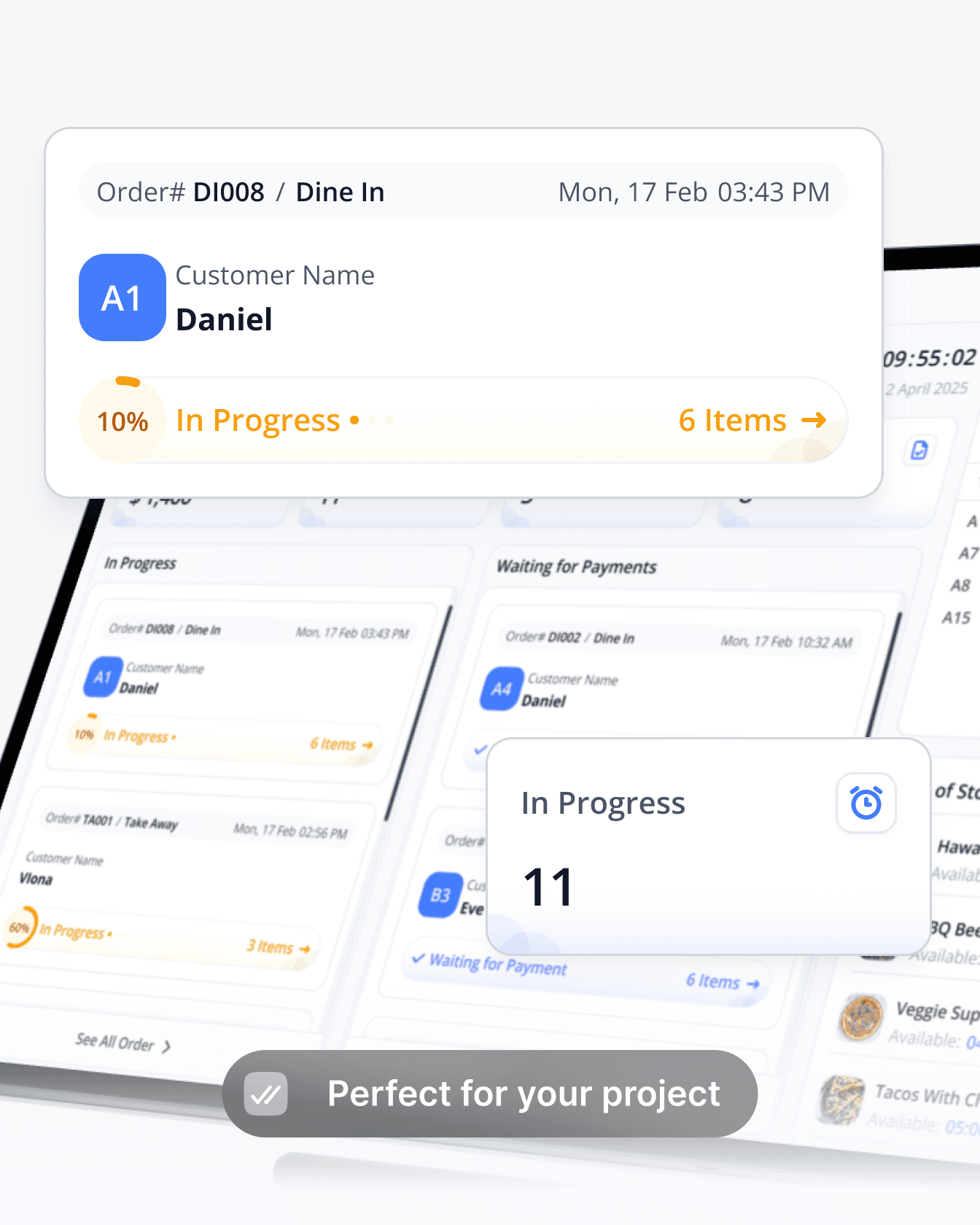
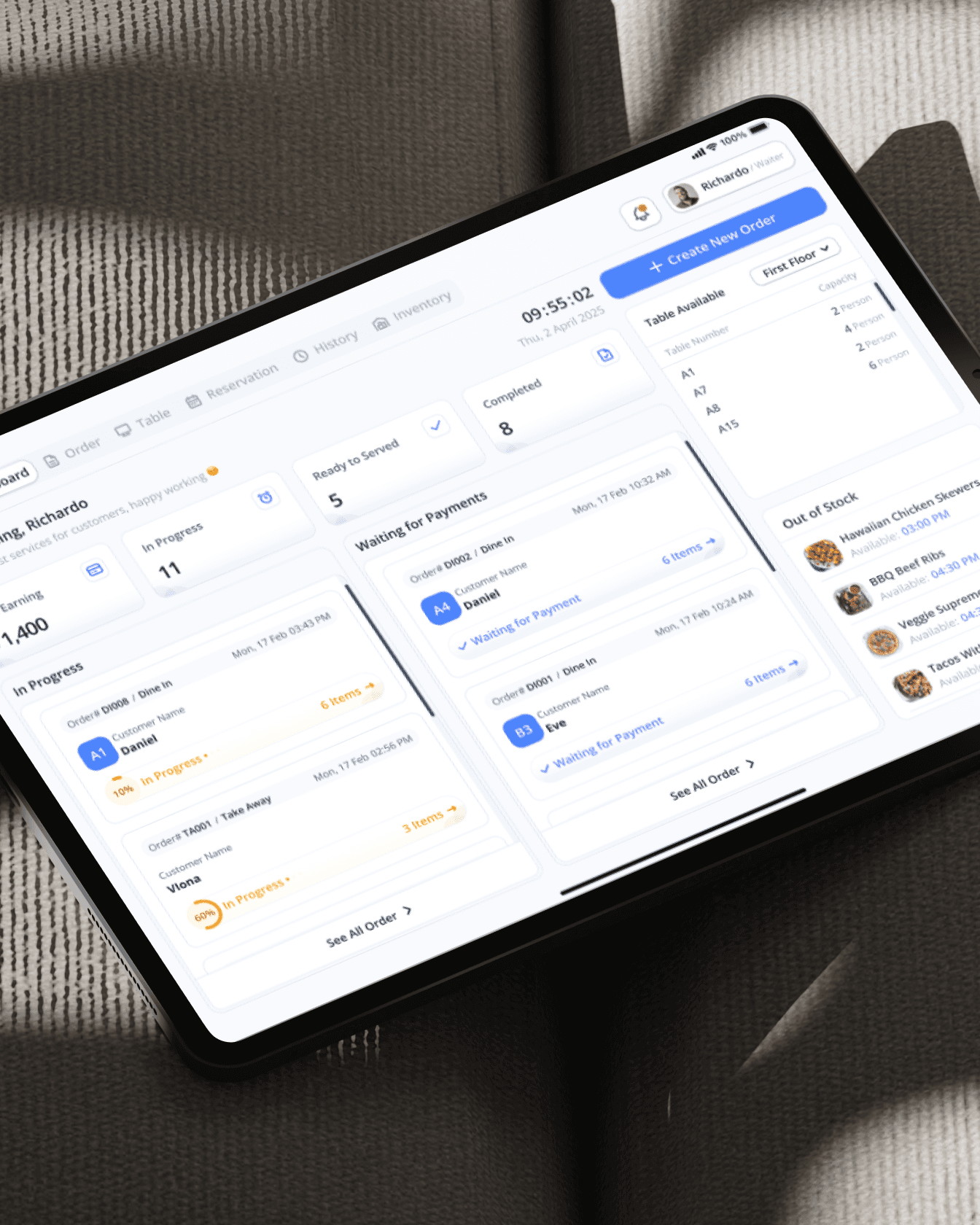
Designed with a clean and professional aesthetic, this UI kit includes a full range of essential components — from product catalogs, transaction screens, and dashboards to inventory tracking, and sales analytics. Optimized for both light and dark modes.
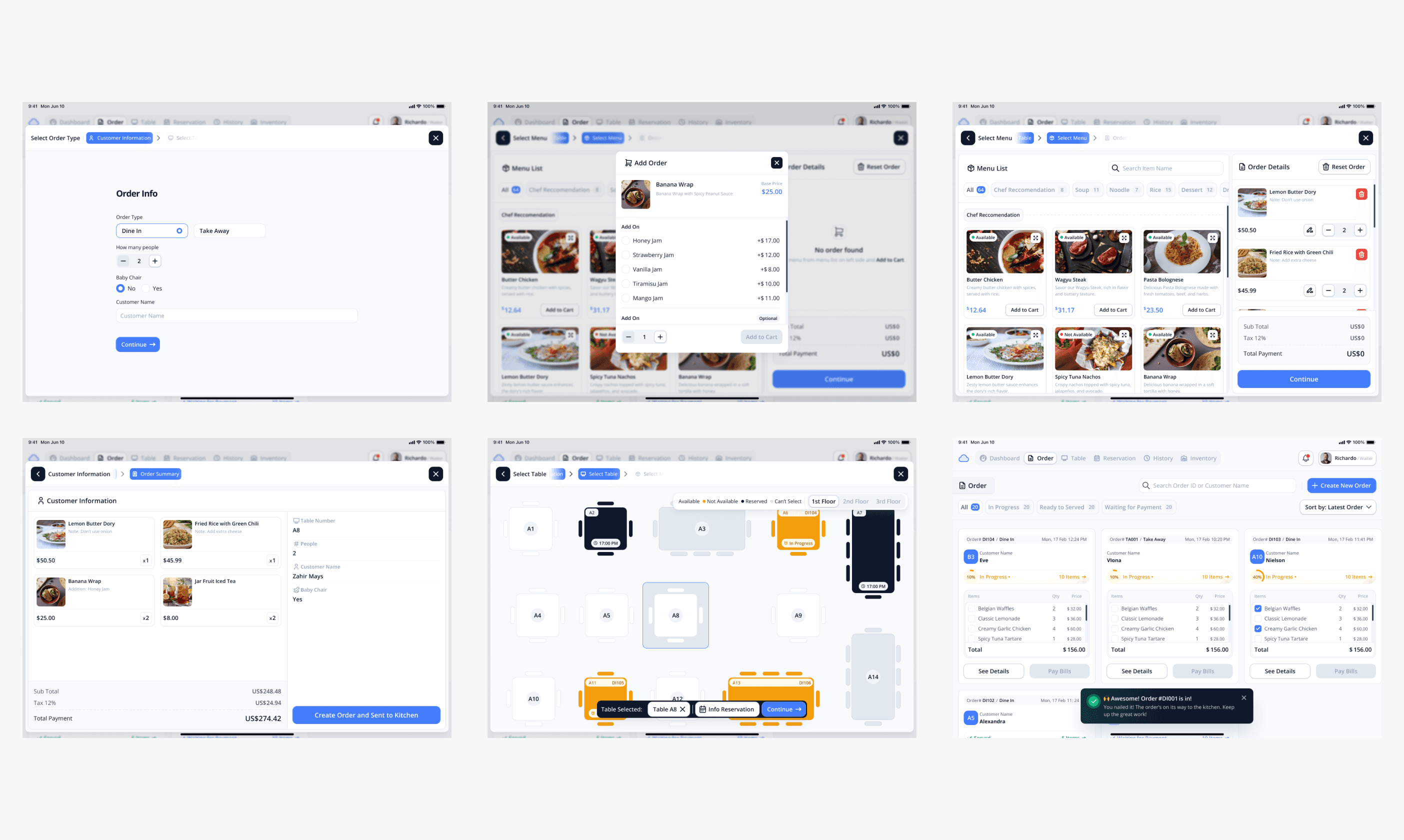
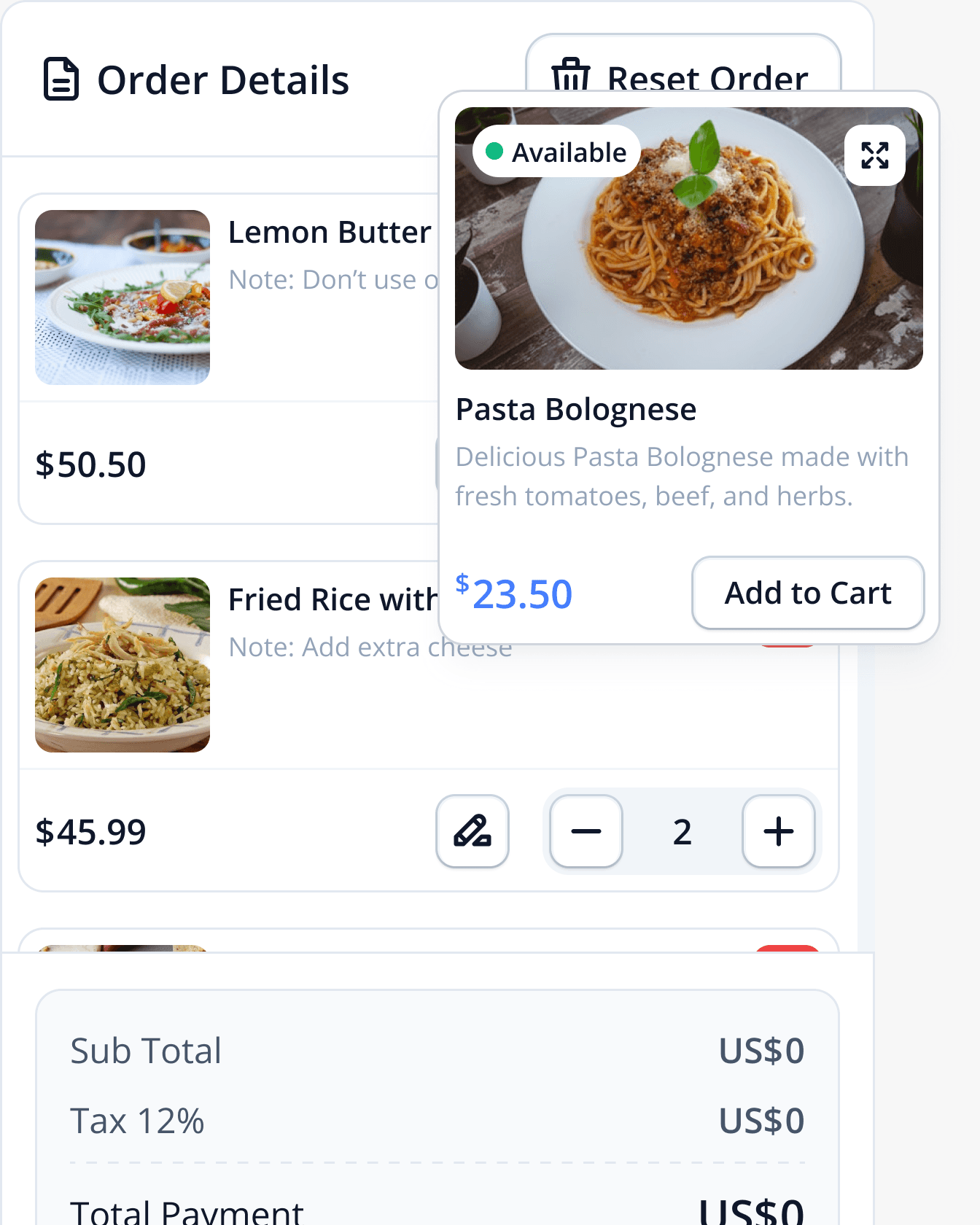
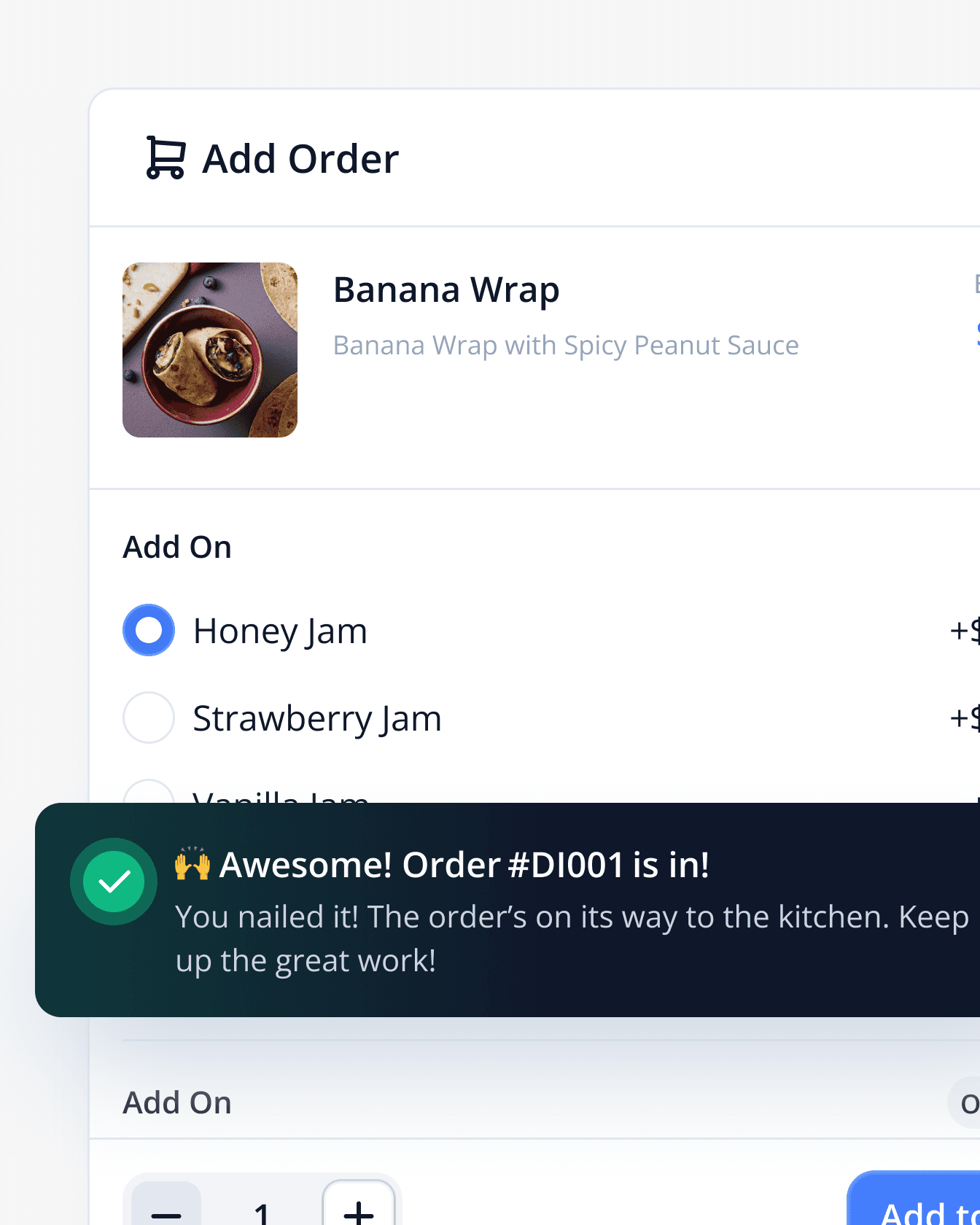
The Create Order screen allows users to quickly and efficiently build a customer’s order in just a few taps. Featuring a user-friendly layout, this interface supports product search, category filtering, quantity adjustments, and real-time price updates. Users can add multiple items, apply taxes, and view the order summary before proceeding to checkout.
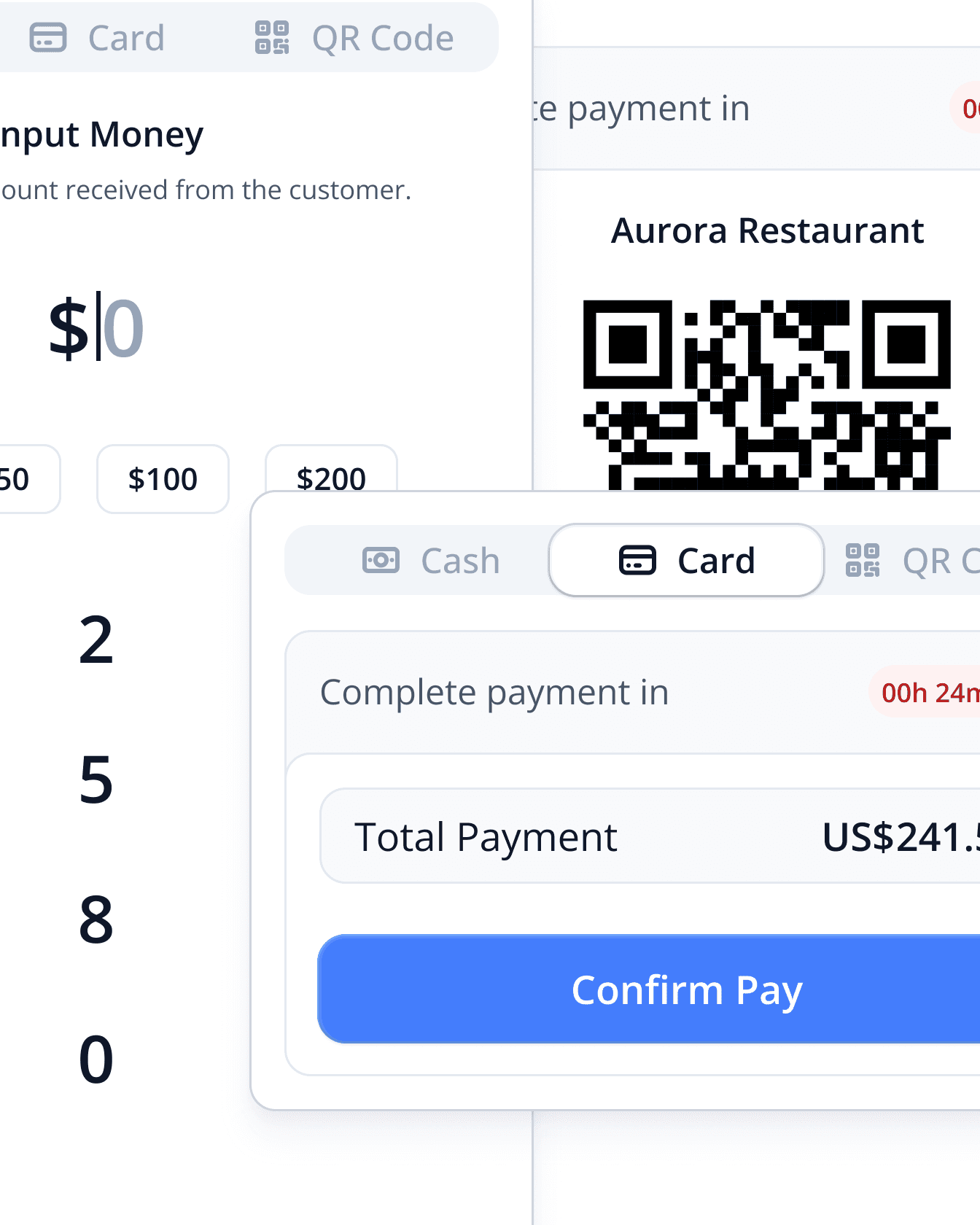
Step 1 – Select payment with Cash, Card, or QR Code
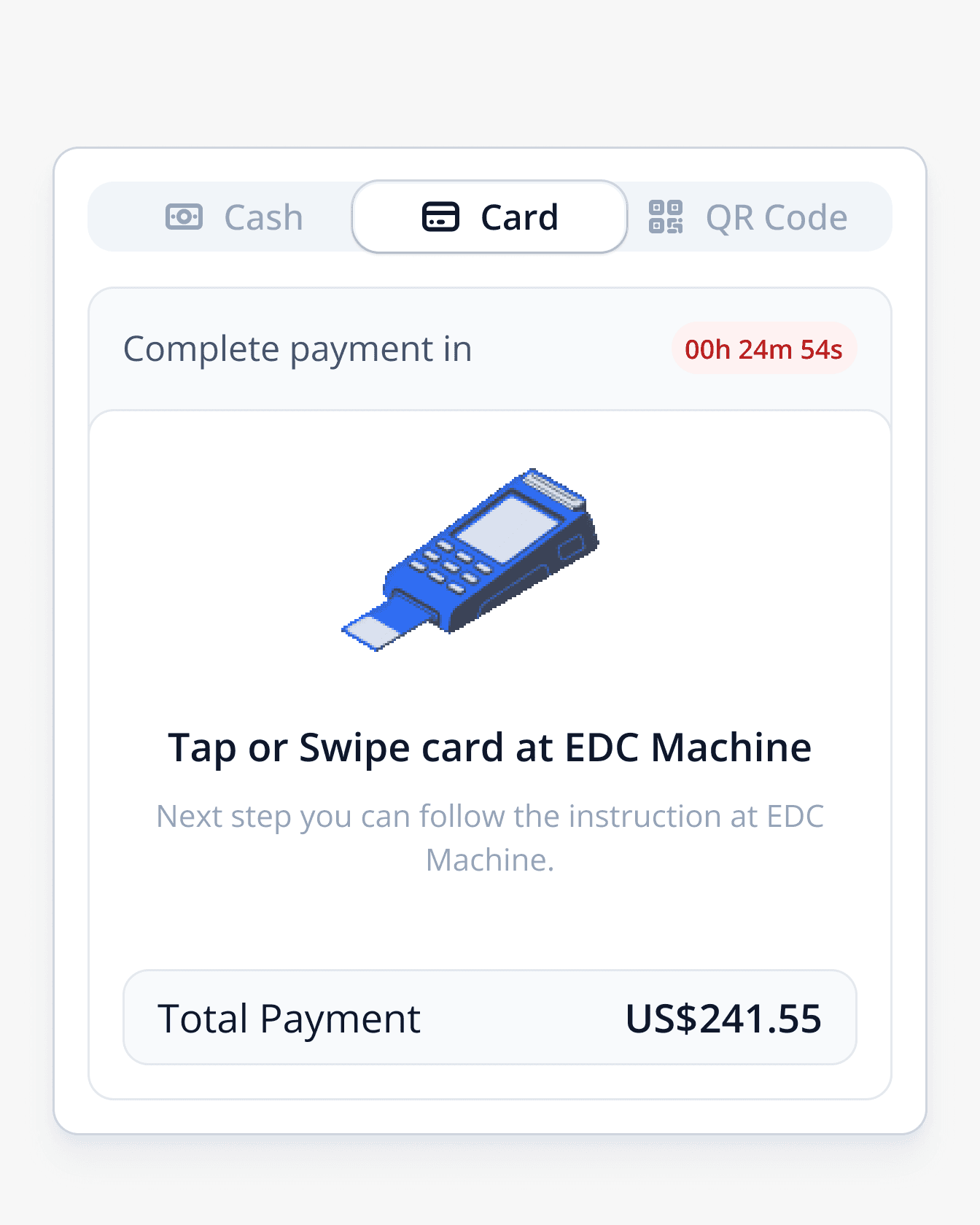
Step 2 – Follow the instruction at EDC Machine
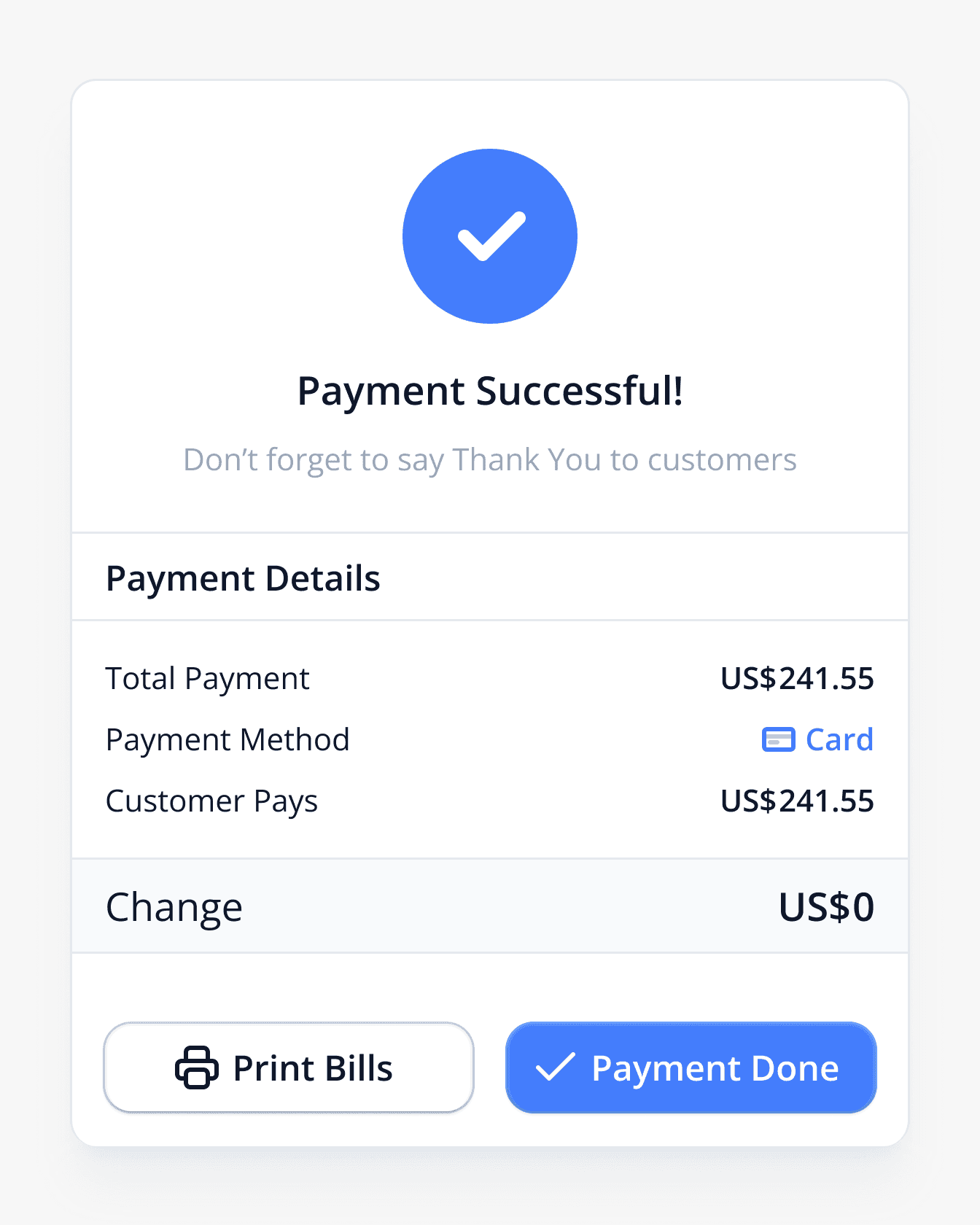
Step 3 – Payment Successful
The Payment feature in the Cloud POS system offers a fast, secure, and flexible checkout experience. It supports multiple payment methods including cash, credit/debit cards, and QR payments.
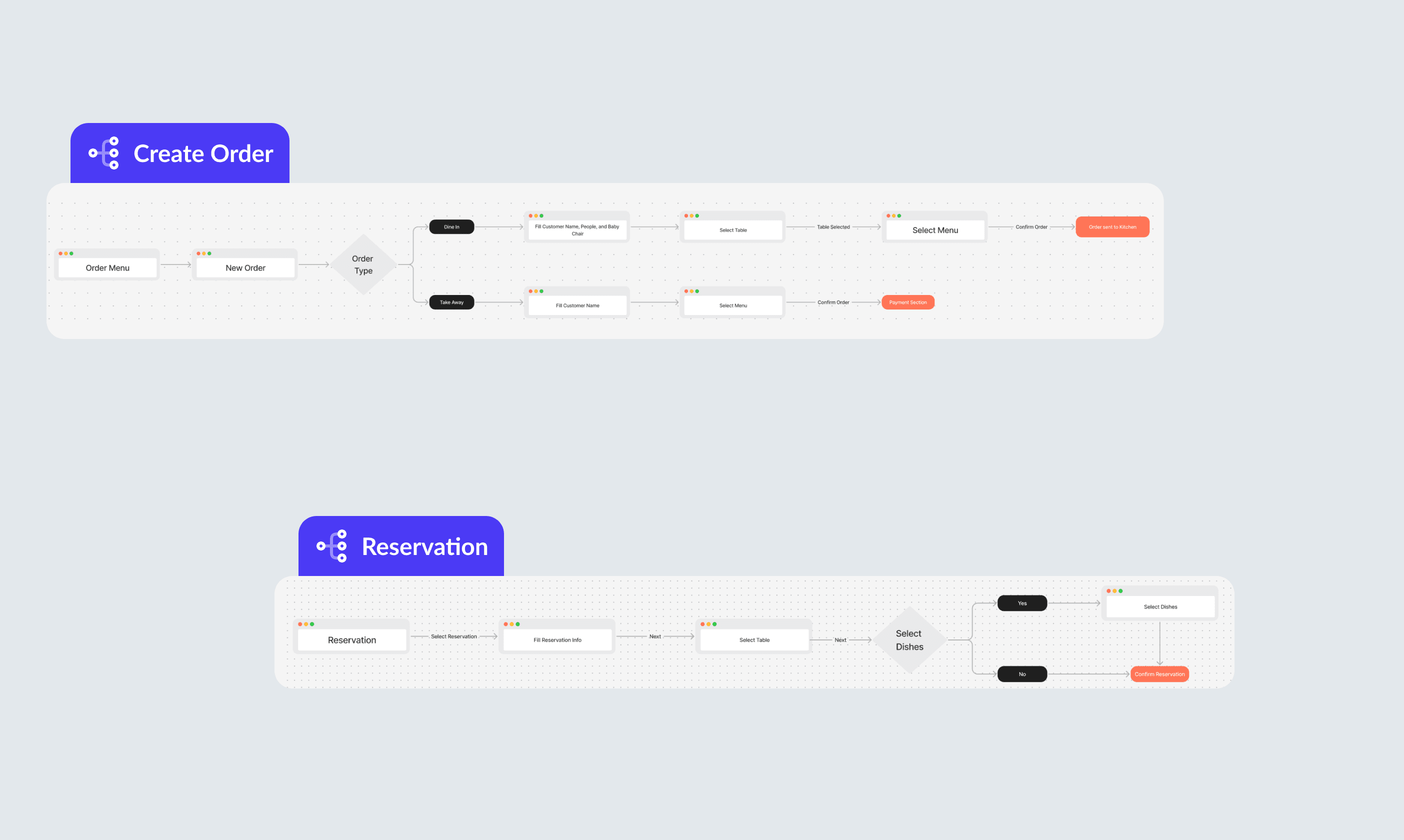
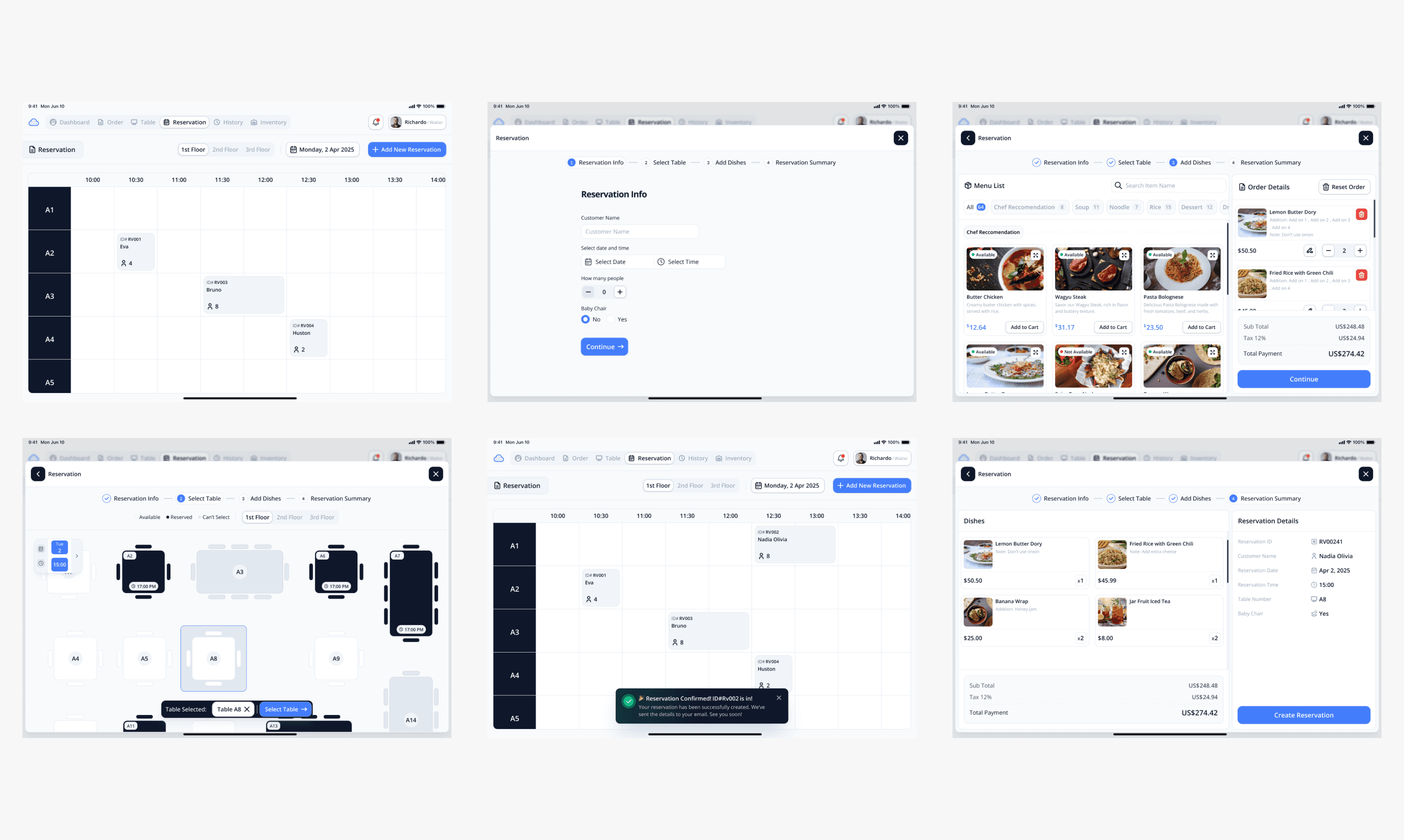
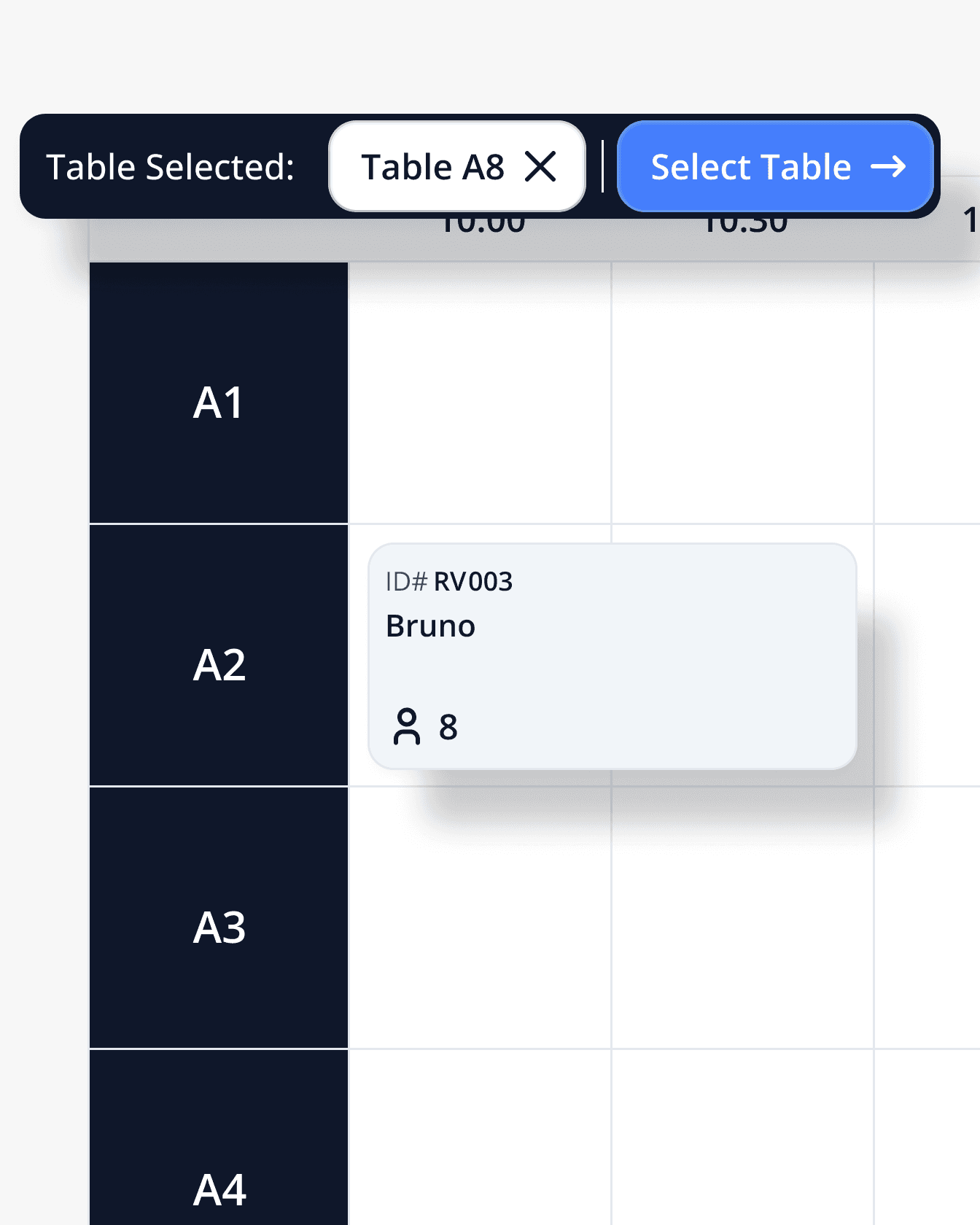
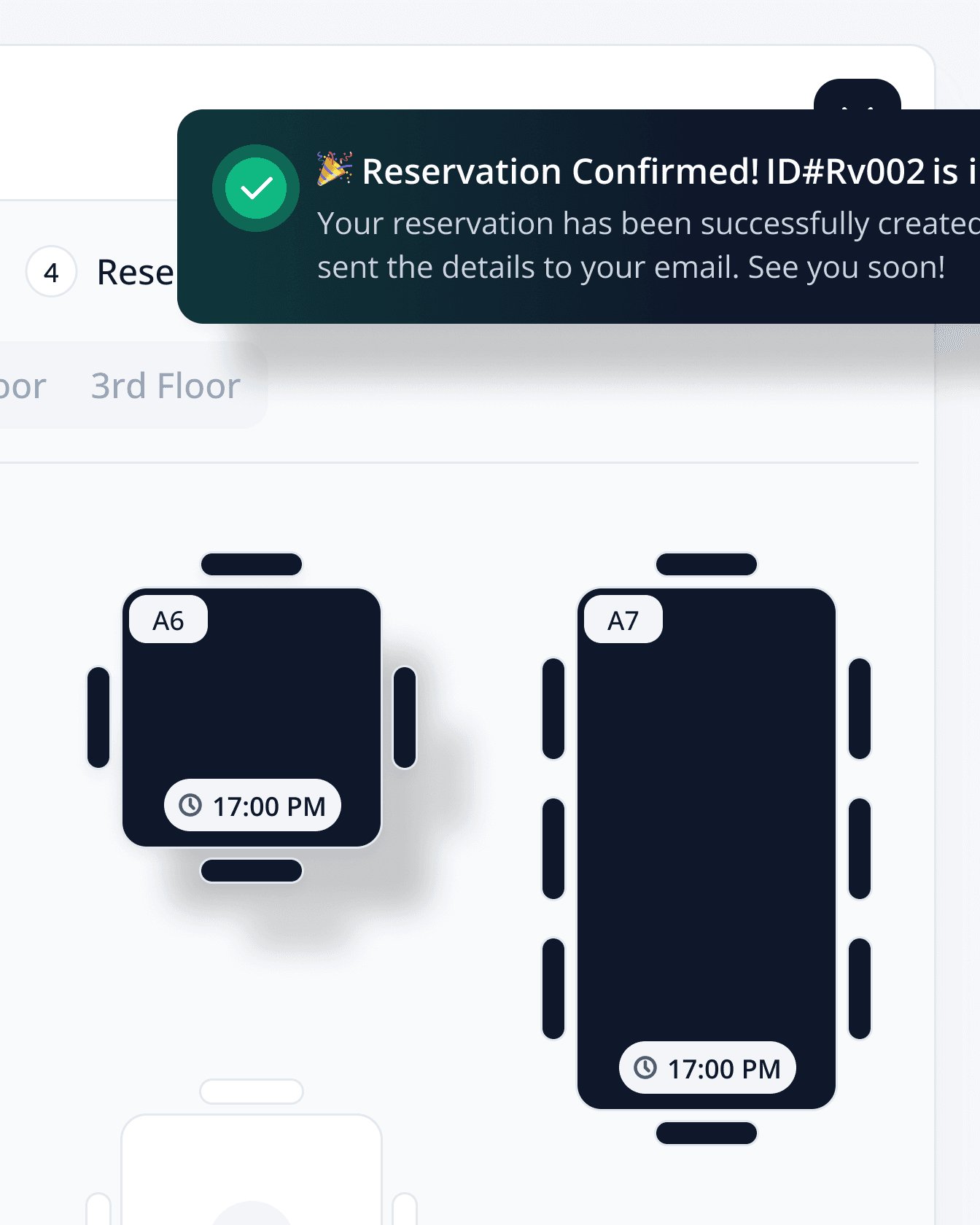
The Reservation feature in the Cloud POS system enables businesses to manage bookings effortlessly and efficiently. Whether for table reservations in a restaurant, service appointments, or product pickups, this feature provides a seamless way to schedule, track, and update reservations in real-time.
The Results
The Cloud POS app is a powerful, modern solution designed to simplify and streamline point-of-sale operations for businesses of all sizes. With cloud-based accessibility, real-time inventory management, flexible payment options, and user-friendly interfaces, it empowers teams to work smarter, serve customers faster, and scale effortlessly. Whether you're managing a retail store, restaurant, or service-based business, the Cloud POS app provides the tools you need to run your operations smoothly—anytime, anywhere.